245
Detector III
You can now restrict the calculated suggested weight to the particular safety limit.
The following input of the weights actually applied remains unaffected by this.
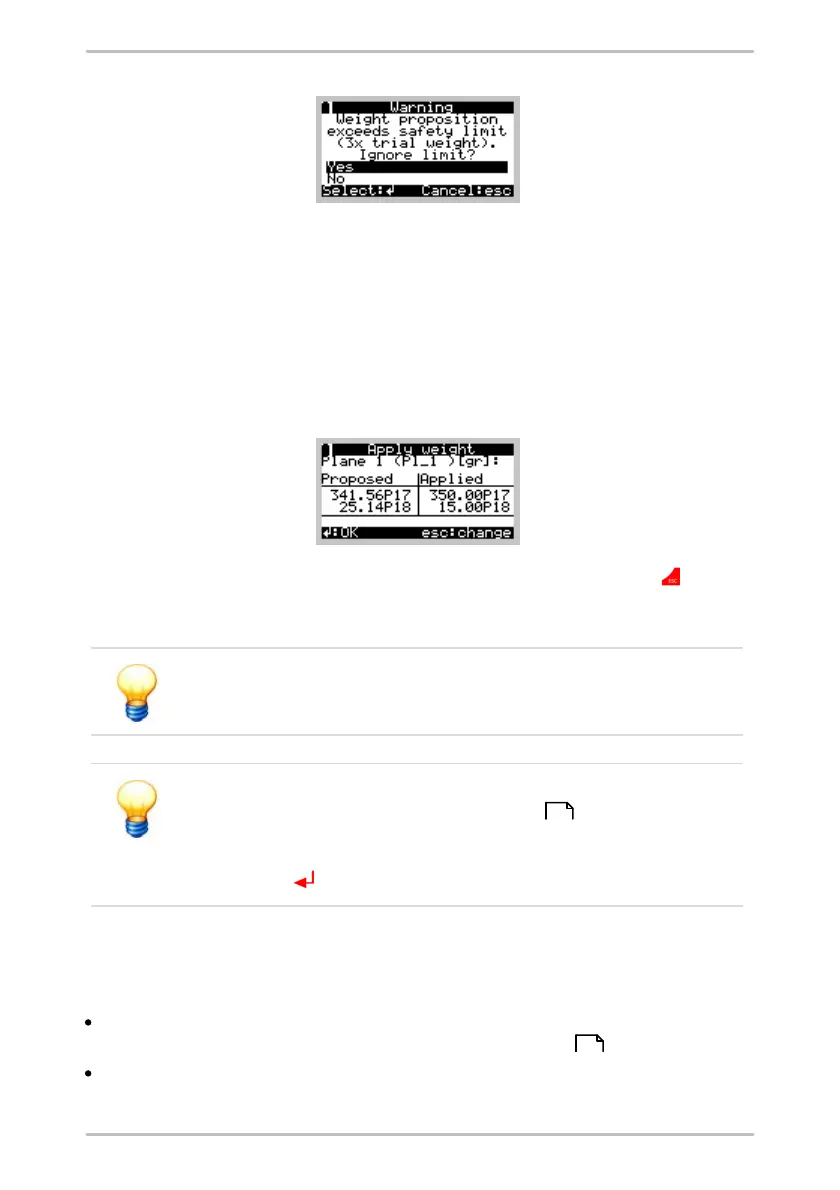
Now the weights have to be attached. If you attach weights different from the
suggested values (e.g. because you do not have the needed weights), please
enter the value of the weights actually attached along with their position. On a 2-
plane balancing job, this step is done separately for every plane. If you are using
discrete positions, the program always displays two weights. Together they equal
the required balancing weight.
You can abort input of weights at any time by pressing the Esc button in order
to use to the vector calculator, for example. When you click Apply weight again,
the previous inputs are still there, so you can continue at the same point.
Here again, weight positions are counted AGAINST the direction of
rotation starting from the set edge of the trigger mark.
The coefficients calculated and balance weights entered are saved
together as part of the subsequent Trim run . This data can only
be read out using Trendline once the trim run has been carried out
and the Values are OK confirmation has been provided with the
Enter button .
6.8.5 Trim run
To perform the trim run select Trim run.
Attach the sensors to the component and connect these to the BNC connectors
of the Detector as specified in the balancing configuration .
The Detector guides you through the measurement and determines the
amplitude and phase of the vibration at the sensor positions as well as the
245
69



 To Next Page