240
Press the Enter button to apply the rotational speed displayed.
If you repeat balancing using a balancing configuration and the
rotational speed is outside of the selected range, the calculated
coefficients are no longer meaningful. In this case, the Detector will
display a warning and you can use the differing speed or abort the
measurement.
To use the differing rotational speed, confirm this by pressing the
Enter button . The coefficients can now no longer be used; you
must first perform a Trial run for all planes.
To abort the measurement of the rotational speed, press the Esc
button . The Detector jumps to the Balancing menu. Now you
can, for example, bring the machine to the correct rotational
speed before repeating balancing procedure.
The rotational speed measurement is followed by the reference run .
6.8.2 Reference run
To perform the reference measurement, select Reference run from the balancing
menu.
The rotational speed is monitored during the reference
measurement. If this falls outside the defined band, the Detector
displays an error message.
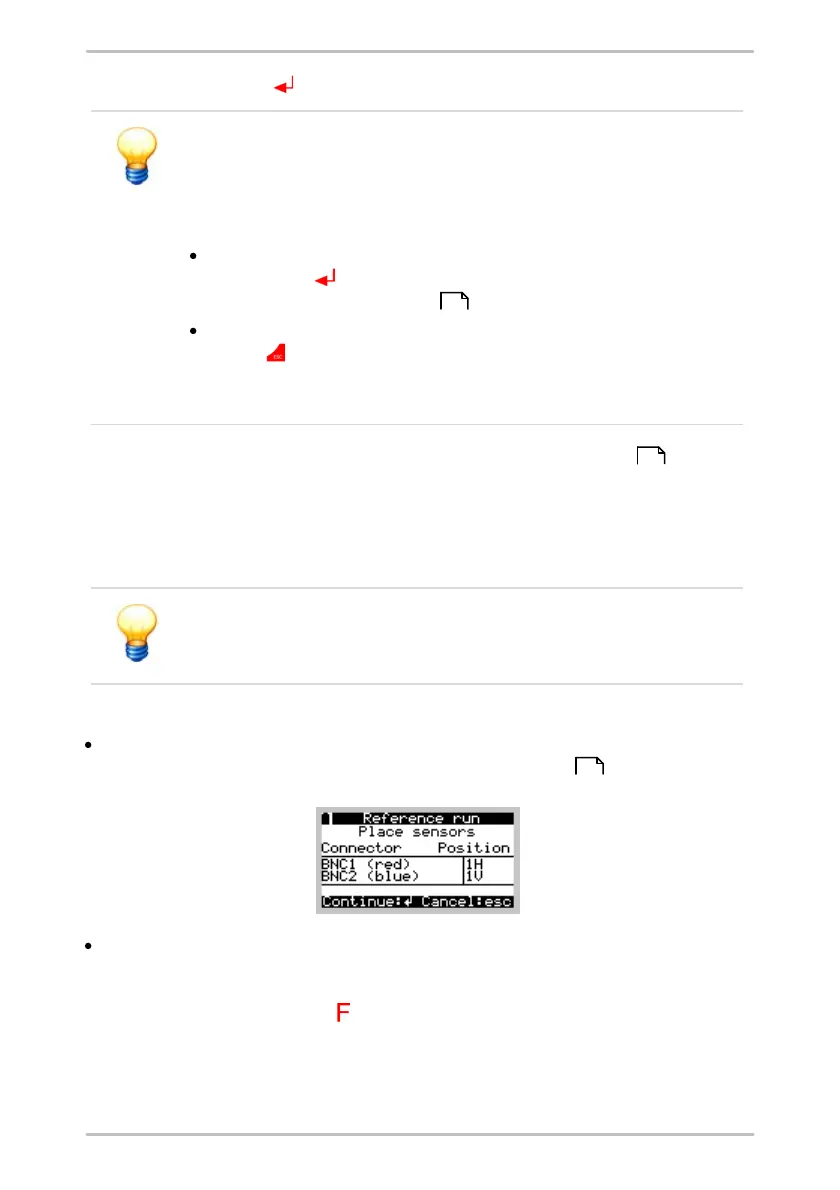
Attach the sensors to the component and connect these to the BNC connectors
of the Detector as specified in the balancing configuration .
The Detector guides you through the measurement and determines the
amplitude and phase of the vibration at the sensor positions. A bar showing
mean variance displays the stability of the values. You can reset the mean by
pressing the function button to restart mean calculation.
241
240
69



 To Next Page