209
FIS Viewer
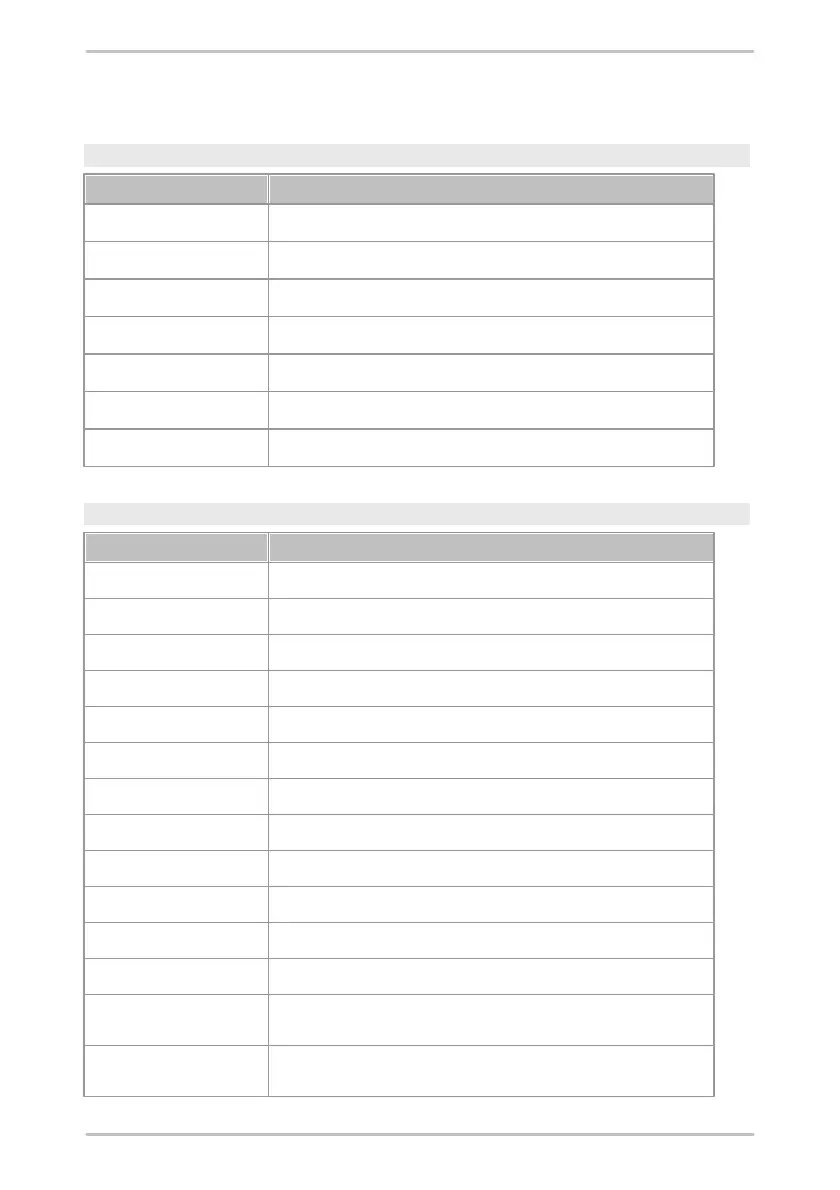
5.4 Keyboard shortcuts
Cursor selection
Activating the base cursor
Activating the difference cursor
Activating the RMS/AMV cursor
Activating the harmonic cursor
Activating the sideband cursor
Activating the HS cursor (Harmonic with sideband)
Activating the revolutions cursor
Move cursor
Moves the basic cursor left to the next measuring point
Moves the basic cursor right to the next measuring point
Moves the extended cursor left to the next measuring point
Moves the extended cursor right to the next measuring point
Moves the basic cursor to the first measuring point in the diagram
Moves the basic cursor to the last measuring point in the diagram
Moves the extended cursor to the first measuring point in the diagram
Moves the extended cursor to the last measuring point in the diagram
Moves the basic cursor 10 measuring points to the left
Moves the basic cursor 10 measuring points to the right
Moves the extended cursor 10 measuring points to the left
Moves the extended cursor 10 measuring points to the right
Moves the cursor one microstep left (only for harmonic cursor if
standard detection is enabled)
Moves the cursor one microstep right
(only for harmonic cursor if standard detection is enabled)



 To Next Page