169
FIS Viewer
3.
Then enter a minimum and maximum for the Y axis in the appropriate field.
4.
Click OK.
The diagram displays your defined zoom selection.
With Reset you can undo your settings.
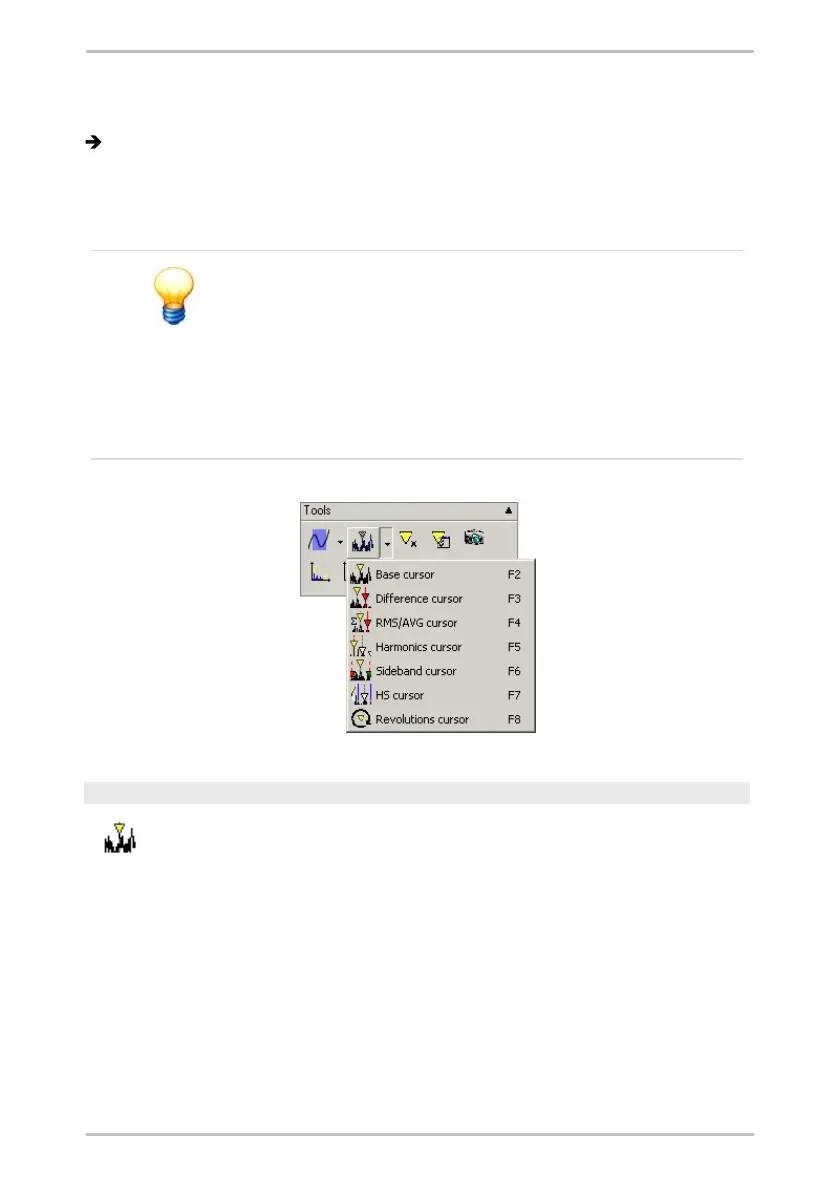
5.3.5 Cursor tools
A cursor can be positioned in the diagram by clicking
near a measured value or moved by dragging the dotted
vertical line along the diagram axis keeping the mouse
button pressed down.
Sliding cursors are always represented by a dotted
vertical line whereas fixed cursors or automatically
calculated data displays are represented by a continuous
vertical line.
Base cursor
You can use the base cursor to determine the measured values on the
x- and y-axis of a measuring point.
To do this, place a base cursor at any desired measuring point in the
diagram. The corresponding measured values are displayed in the
cursor information.



 To Next Page