43
Trendline 3
Start using the Trendline Software.
Explains all menus of the Trendline Software.
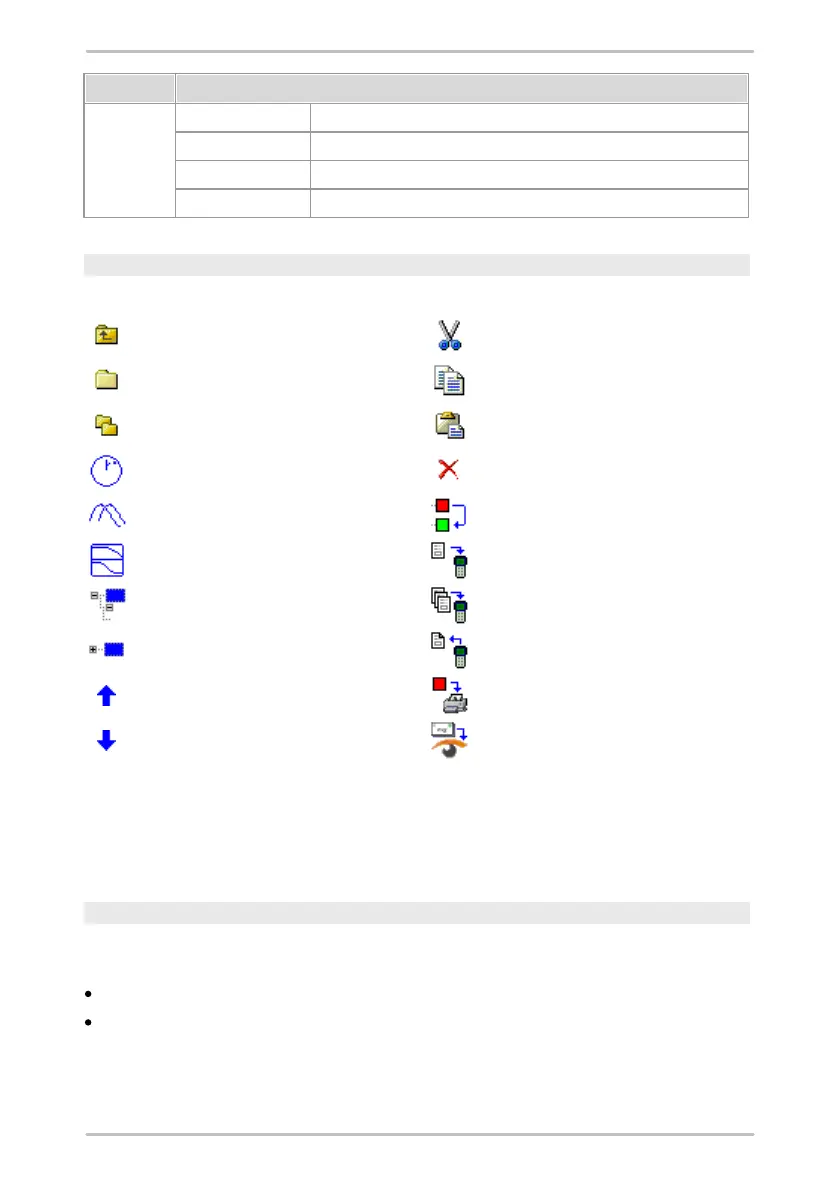
Explains all icons in the toolbar.
Information about the Trendline Software.
Toolbar
Frequently used functions of Trendline software can be used via the toolbar.
Add balancing configuration
Add amplitude/phase configuration
Add run up/coast down configuration
Send configuration to Detector
Send route/template to Detector
Collapse selected element
Download data from Detector
4.2.2.3 Tree elements
In the system tree of the Trendline software you can cut, copy or delete
configuration elements.
Moving or copying configuration elements
You can only move configuration elements if the target is on a higher level, i.e. you
can
move or copy a measuring point (level 4) to another machine (level 3), and
move or copy a machine (level 3) to a different section (level 2).



 To Next Page