197
FIS Viewer
5.3.10 Export diagrams and information
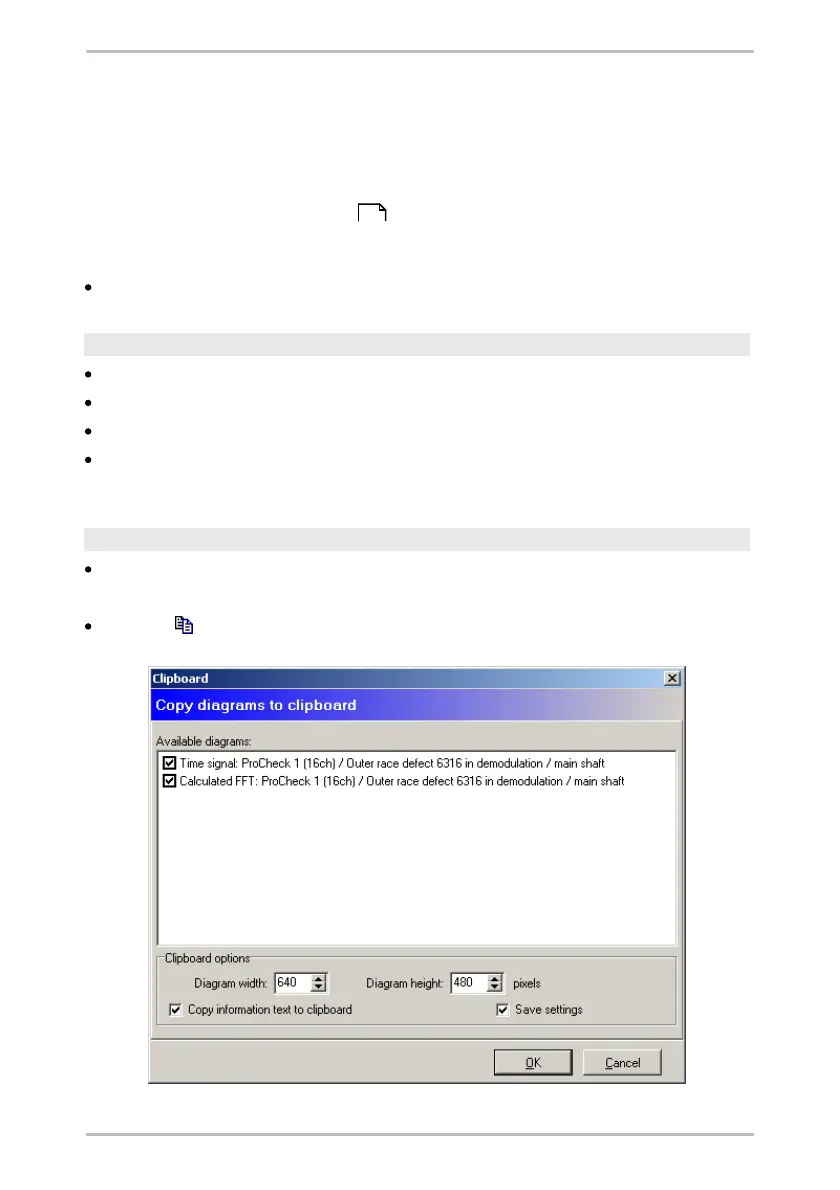
With the FIS Viewer, you can copy diagrams to the clipboard or save diagrams in
JPG or BMP format. The exported diagrams contain the cursor and measurement
information and optionally an information text with the diagram titel. The diagram
information bar is not exported. Diagram dimensions and further options can be
specified in the program settings . Furthermore you can copy measuring data
and the content of the diagram information bar to the clipboard, to insert it in an
other application.
Modify the diagram appearance and proceed as follows.
Copy current diagram to clipboard
Select a diagram by clicking on the diagram windows.
Click on Copy current diagram to clipboard in the Edit menu.
Switch to the application in which you would like to insert the diagram.
Select the Paste option from the Edit menu for the application or use the
shortcut Ctrl+V.
Copy selected diagrams to clipboard
Click on Copy selected diagrams to clipboard in the Edit menu.
Or:
Click on in the toolbar.
205



 To Next Page