164
Once you have selected the integration option for the y-
axis you can also modify the scaling of the axes here
(automatic, manual or logarithmic) and display any
desired part of the diagram using the zoom tools.
No integration is possible in order spectrums.
5.3.3 Using the mouse to control the cursor or zoom function
General
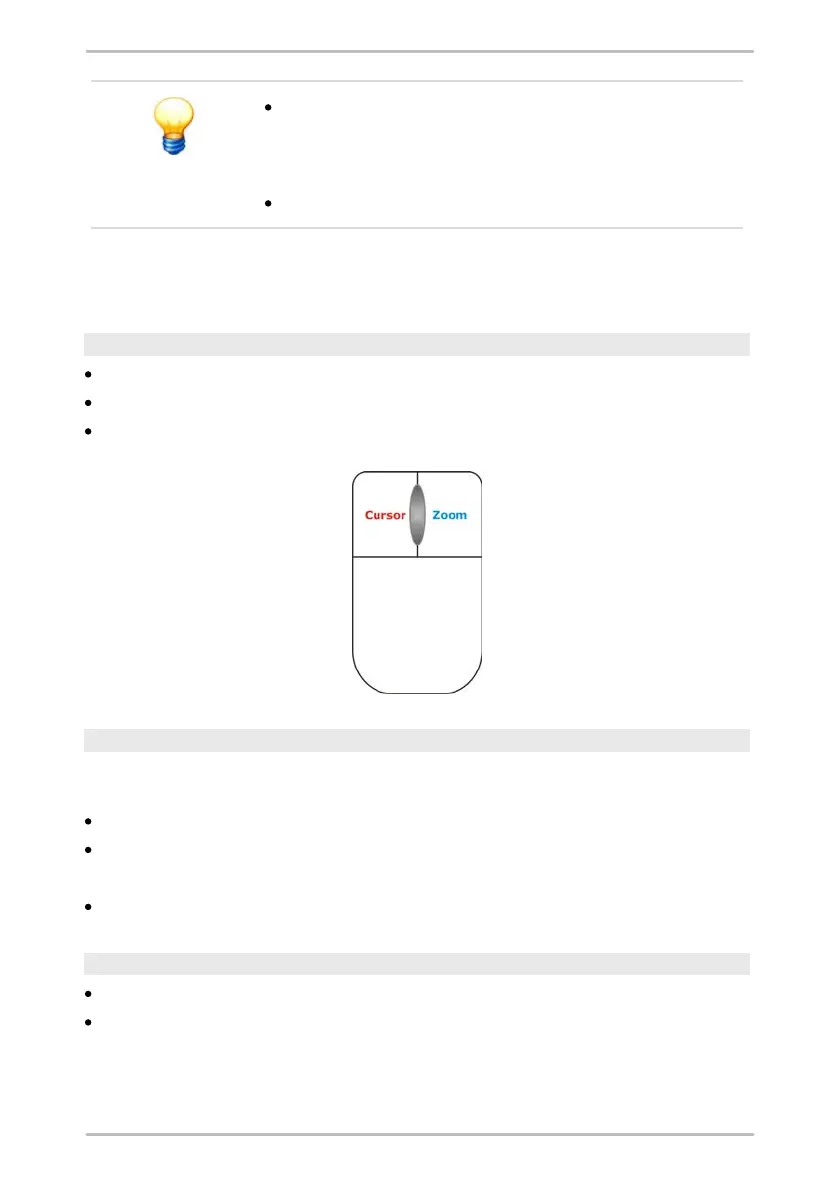
You can position the various cursors by left clicking the mouse.
You can adjust the zoom selection setting by right clicking the mouse.
With the scroll wheel you can zoom and scroll in diagrams.
Zooming with the scroll wheel
If your computer mouse has a scroll wheel, you can use it to zoom-in or zoom-out
of diagrams. The zoom area is changed in 10% steps.
Click on the diagram which you want to zoom.
Roll the scroll wheel away from you to zoom in.
Or:
Roll it towards you to zoom out.
Scrolling in a zoom area with the scroll wheel
Click with the scroll wheel in a zoom area and
move the mouse to the left or right without releasing.



 To Next Page