219
Detector III
recorded measuring data are downloaded from the Detector to evaluate and
store them using the Trendline software.
The data transfer between Detector and PC is controlled by the Trendline
software.
Connect the serial interface of Detector (9-pin sub-D-connector at the
instrument shaft) with a free serial interface of the computer Trendline software
is installed on.
Follow the sequence as described in the Trendline software help menu.
You can interrupt the data transfer between Detector and computer at any time
by pressing the Esc key .
The transfer of a new route or configuration to Detector deletes all
data stored on the instrument.
6.5 Device menu
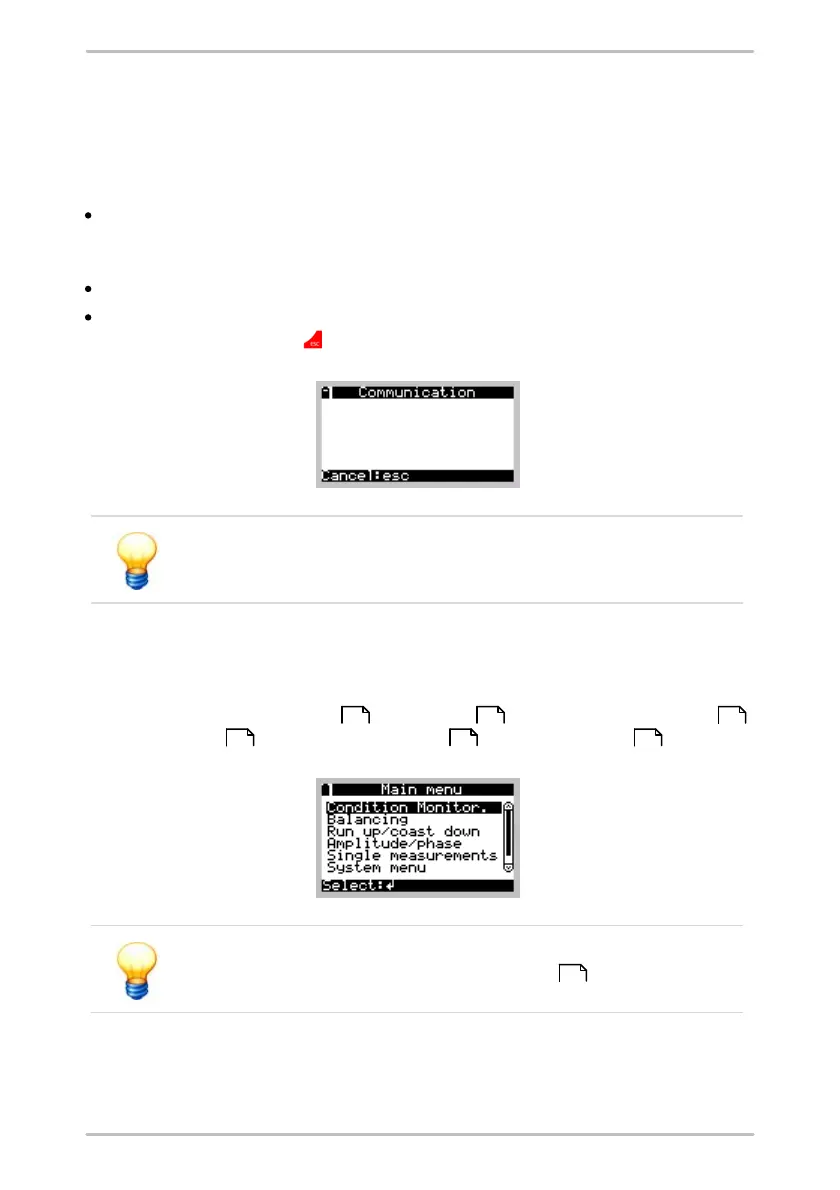
When switching on the Detector, the main menu shows the following menu
items: Condition monitoring , Balancing , Run up/coast down ,
Amplitude/phase , Single measurements and System menu .
The menu items "Balancing" and "Amplitude/Phase" are only
available if the balancing function is enabled on the Detector.
219 220 220
249 220 220
50



 To Next Page