68
4.4.6 Managing measurement comments
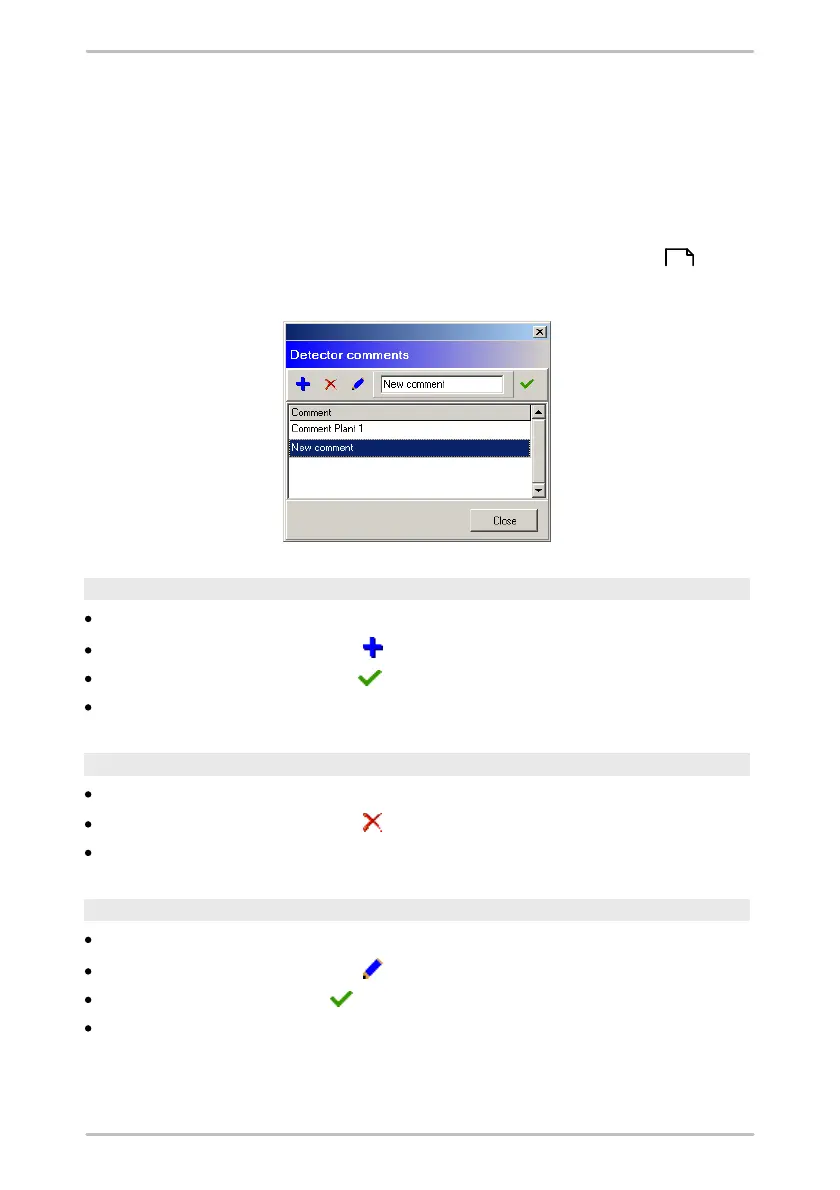
In the Trendline software you can create short texts as measurement comments.
The comments list of the Trendline software will be transferred while sending
data to the Detector. During the measuring round, you can assign a comment
from the list to every measurement on the Detector. The comment is saved with
the measurement and displayed in the measuring results in the Trendline
software. If you edit or create new comments on the Detector, this will be added to
the measured data in the Trendline software (see "Measured data "). The
comment list will not be changed.
Create comment
Click Comment selection list in the Detector menu.
In the Comments window click .
Enter the desired text and click .
Click Close.
Delete comment
Click Comment selection list in the Detector menu.
In the Comments window click .
Click Close.
Edit comment
Click Comment selection list in the Detector menu.
In the Comments window click .
Enter the new text and click .
Click Close.
117



 To Next Page