117
Trendline 3
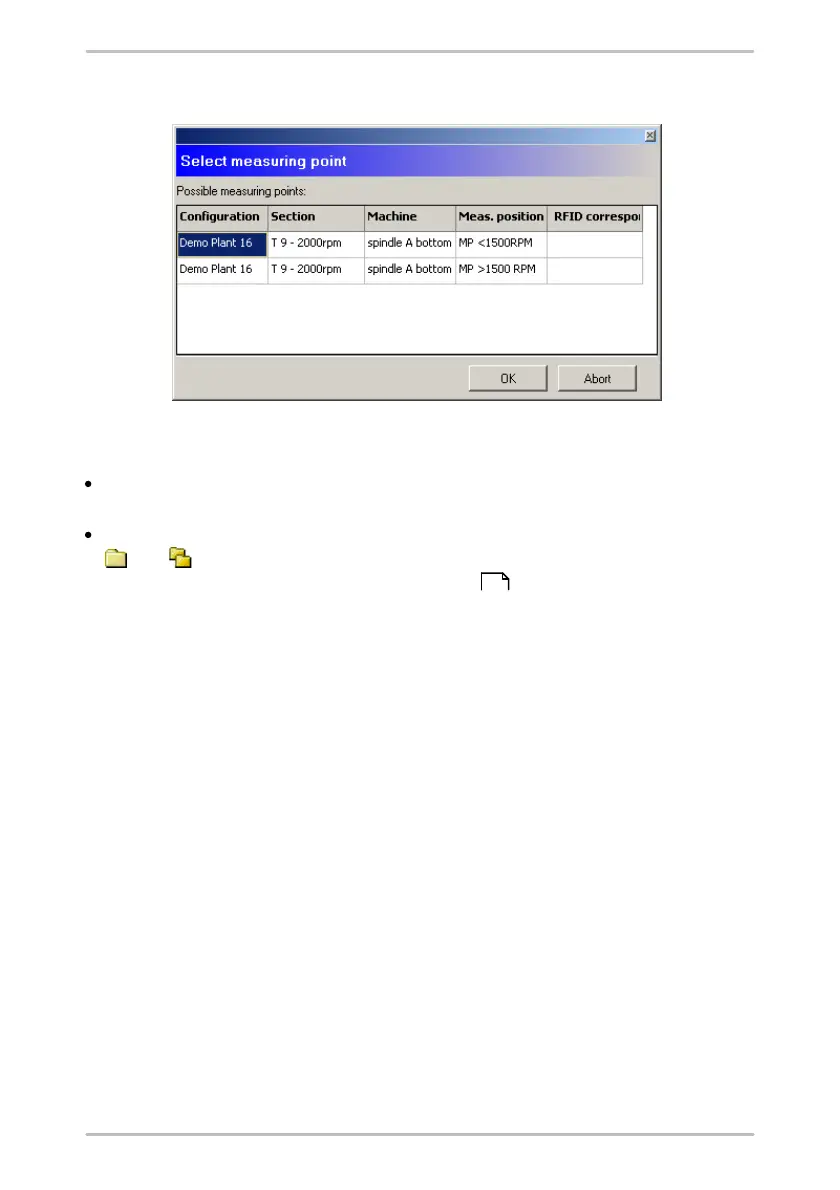
click on Wizard and select a measuring point from the list of proposals.
If the measuring point does not exist in the configuration yet, you again have two
possibilities.
If you want to add a measuring point to a machine, drag it into the right-hand
window and onto the machine name to which it should be added.
Additionally, you can add new configurations, sections and machines with the
and buttons as you did, when creating the configuration. For information
on this topic, see also "Enter system structure ".
4.9 Viewing measuring data
4.9.1 Measured values
On the Measured values tab, the selected measured values are displayed in a
table. When a row is displayed in bold, there is at least one time signal for this
measurement. The time, the measured values determined and any pre-alarms or
alarms that may have been output are displayed for each measurement in the
measured values view.
53



 To Next Page