82
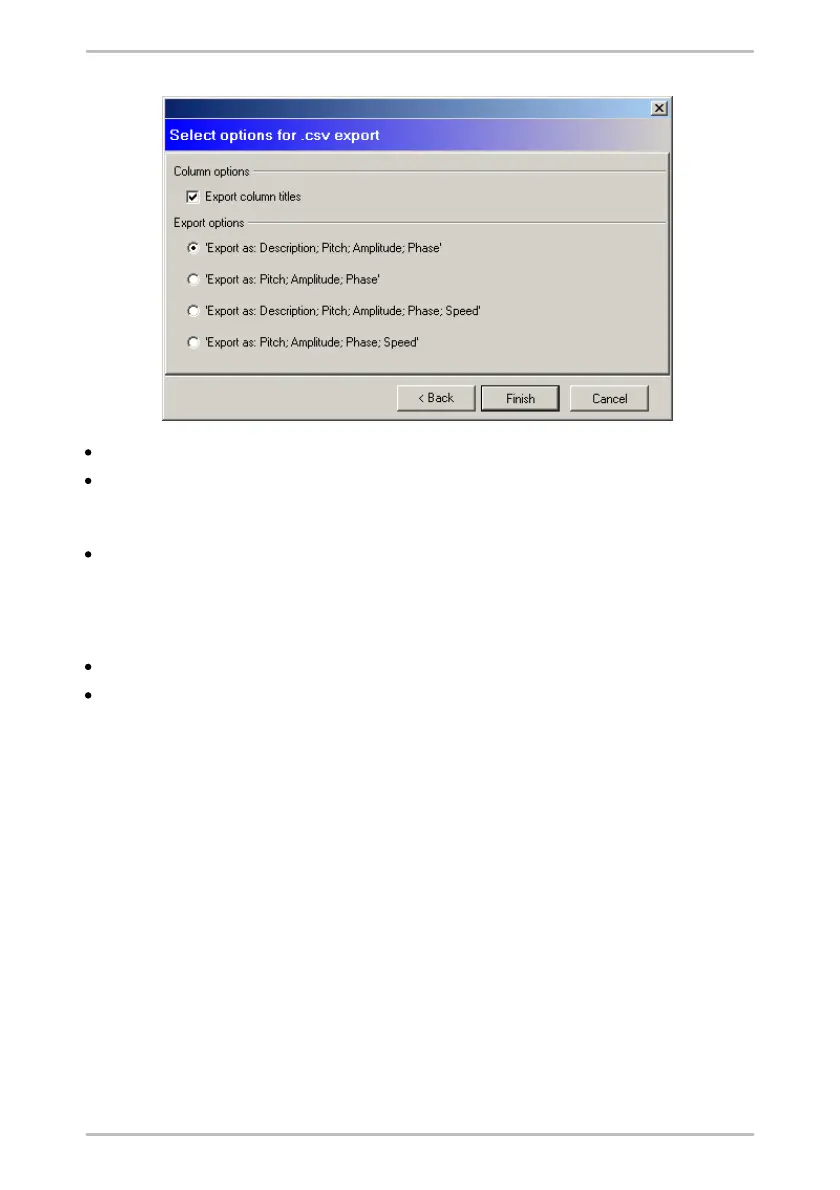
Specify whether the export file should contain column headings.
Under Export options, choose whether the columns will be exported to include
the column descriptions and/or rotational speed (pitch, amplitude and phase
are always exported).
Click on Finish to create the file.
4.4.9 Set up run up/coast down
To create an run up/coast down configuration,
click on a Level 3 configuration element (e.g. a machine or motor).
Then click System > Add run up/coast down configuration.



 To Next Page