153
FIS Viewer
5.2.2 Toolbar
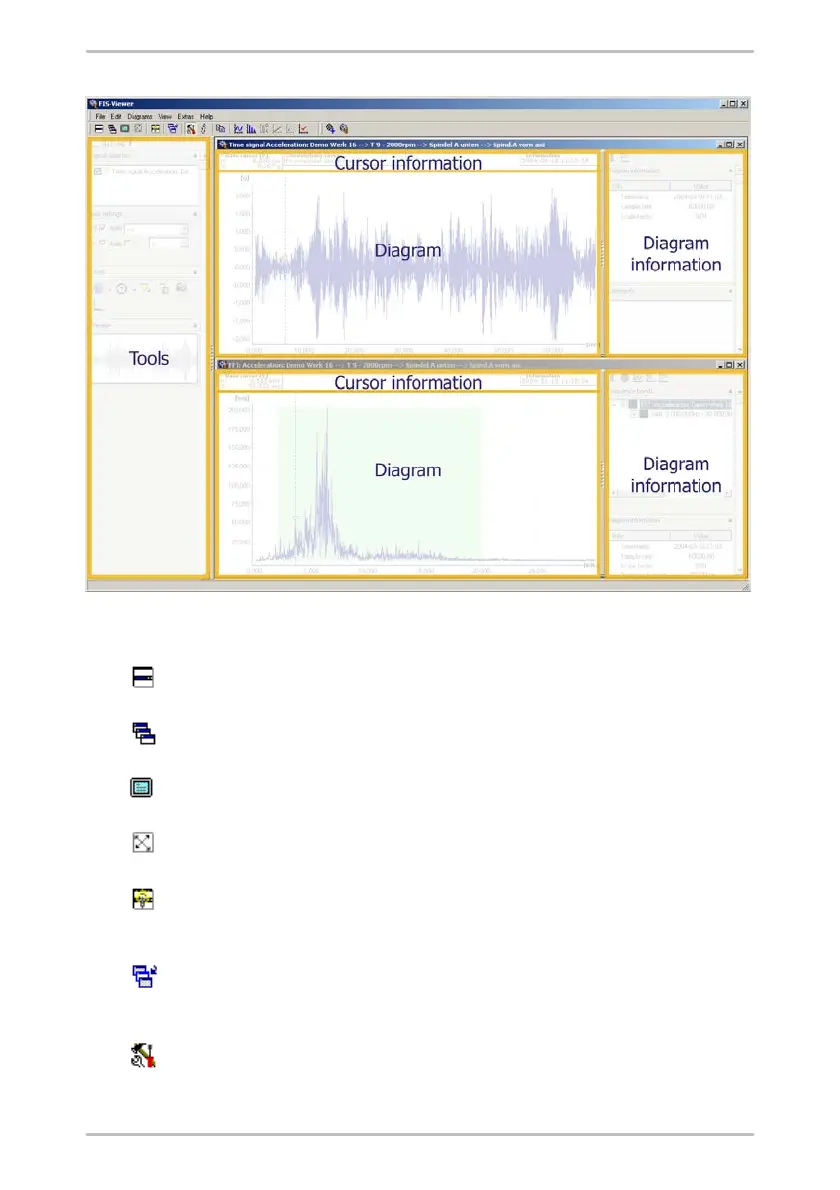
You can use the Tile windows horizontally button to arrange open windows
vertically above one another in the working area of the Trendline Viewer.
You can use the Cascade windows button to arrange open windows so they overlap
in the working area of the Trendline Viewer.
You can use the Show current diagram in full screen button to fill the entire screen
of the Trendline Viewer working area with the current diagram selected.
You can use the Arrange icons button to arrange minimized windows horizontally
from left to right in the working area of the Viewer.
If the Arrange diagrams automatically button is activated the size of the diagram
always adjusts automatically to fit the available working area (when the tool area is
displayed or removed, for example).
You can view a list of the windows that are currently open and make your selection
using the Show list of all diagrams button. The selected diagrams are arranged
horizontally and the rest of the diagrams are minimized.
You can use the Show toolbar button to display/hide the tool bar in the working
interface of the Trendline Viewer.



 To Next Page