125
Trendline 3
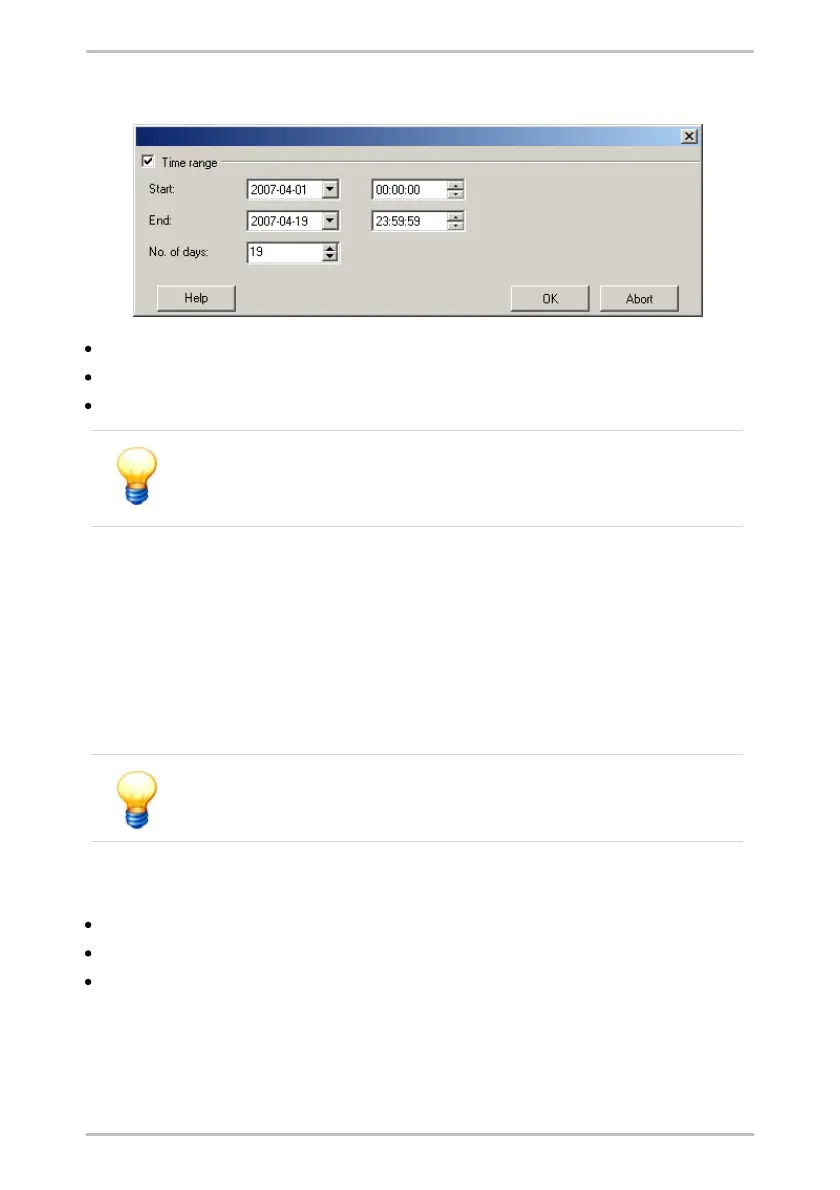
Opens the Delete measured data:
Select the date and time for the start and end of the desired time range.
Click on Period to deactivate the option and delete all data.
Click on OK to delete the data for the period selected.
Please observe that the data will be permanently deleted if you
click "OK" in the above window and cannot be restored! There is no
way of restoring the data!
4.12 Log file
In an internal protocol file (also called log file) are all system messages and
additional information on import and export operations are logged. If an error
occurs during Trendline or Detector operation, then an error message is
recorded along with additional information in an internal log file. You can use the
Trendline software to retrieve this log file from the Detector and then send it by e-
mail to our Support.
You can open a log file with a text editor or a word program.
Save log file of the Trendline software
Click on Extras > Save Trendline log file.
Select the saving location and
click on Save.
Download log file from Detector
With the Trendline software you can download the log file from the Detector as
follows:



 To Next Page