103
Trendline 3
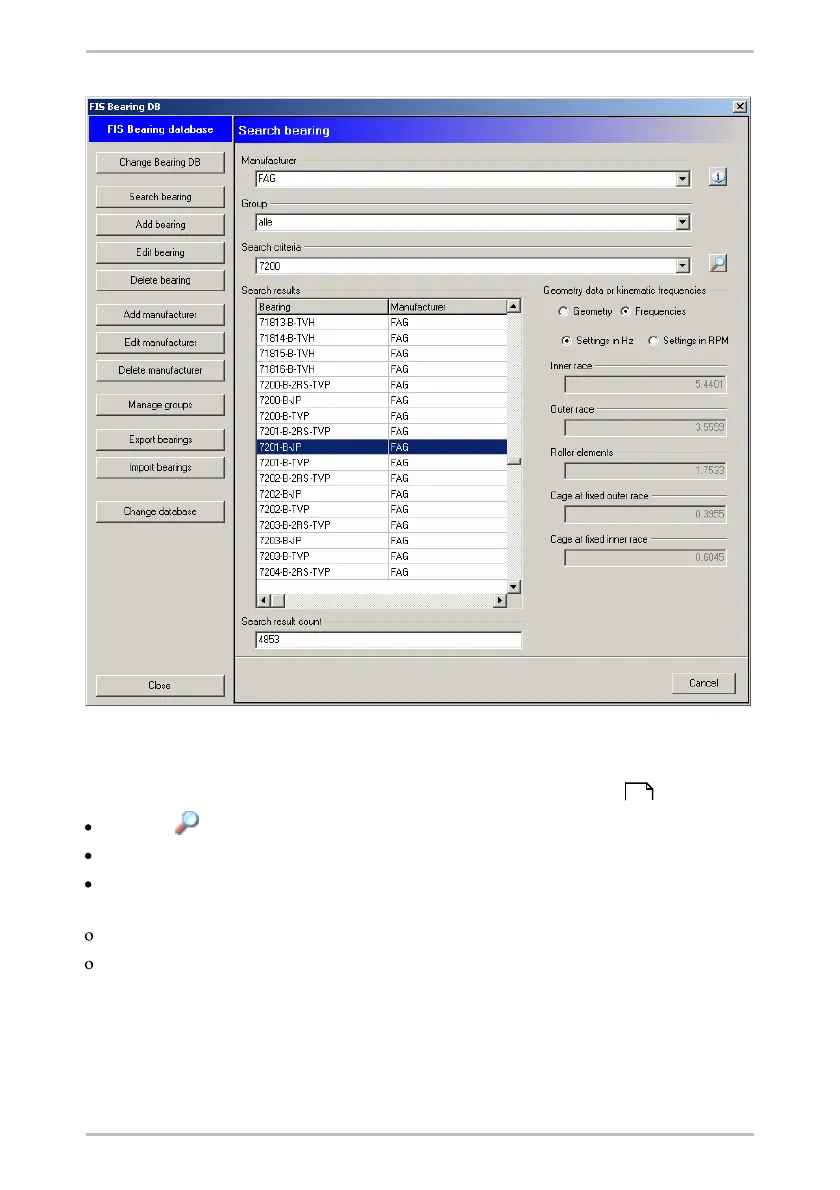
4.6.1 Search bearing
To find a bearing click on Search bearing in the bearing database .
Click on to display all bearings.
To restrict the search you can specify the manufacturer and/or group.
Additionally, you can further limit the name of the bearing in Search criterion.
You can use the wildcards "?" and "*" in the usual way, e.g.
"*1200*" to find all bearing names containing 1200 or
"?200*" to find all bearings whose name includes the text "200" at position 2-4.
The list of hits is displayed in Search result.
102



 To Next Page