116
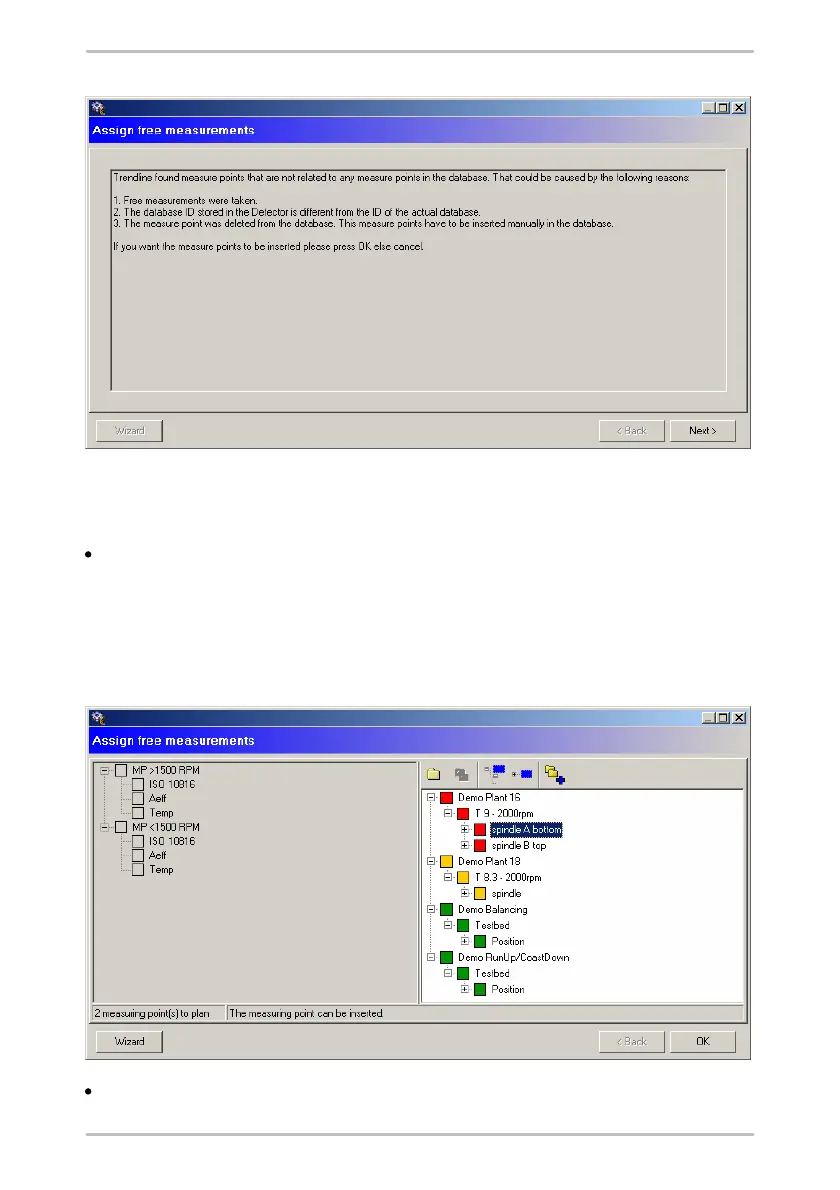
The next window is divided into two parts. On the left-hand side you will find the
measuring points that are not yet sorted and on the right-hand side your
configuration structure. Here you have two options.
If there is a measuring point that has not yet been sorted in one of the
configurations, drag it with the left mouse button from the left window onto the
measuring point in the configuration. If the two really do match, the mouse
cursor changes. You can release the mouse button to insert the measurement.
In the status bar you can read why it was not possible to insert at a certain
point.
Alternatively, you can use the suggestions of the Trendline software. For this,



 To Next Page