205
FIS Viewer
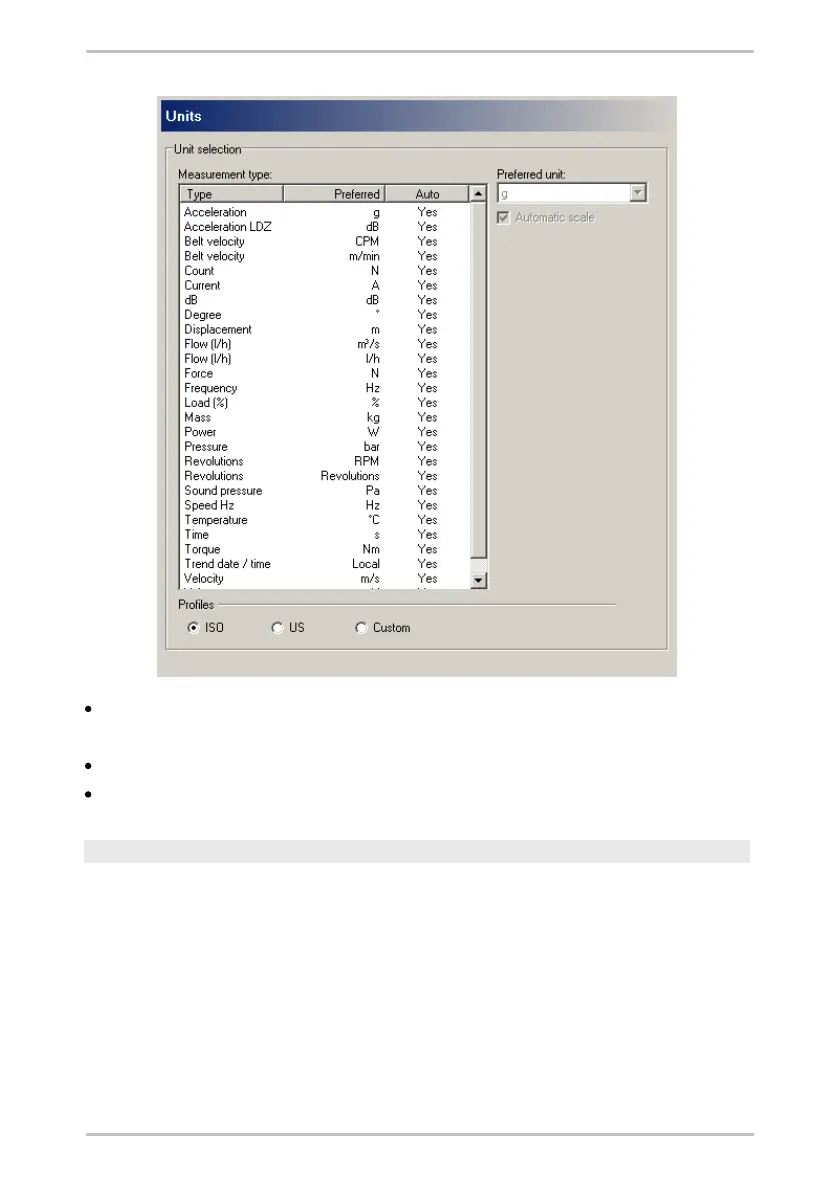
Select the units profile.
To change the preferred unit or automatic scaling,
select the profile Custom and
define the settings for single measurement types.
Clipboard
You can select the options for transferring the diagrams to the clipboard in the
Clipboard dialogue window.
1.
Select the preferred dimensions for the diagram display in the Diagram width
and Diagram height fields.
2.
Activate the Copy information text to clipboard checkbox if you also wish the
diagram title to be copied with the graphic.
3.
Click on OK to apply these settings.



 To Next Page