75
Trendline 3
Display weight charts
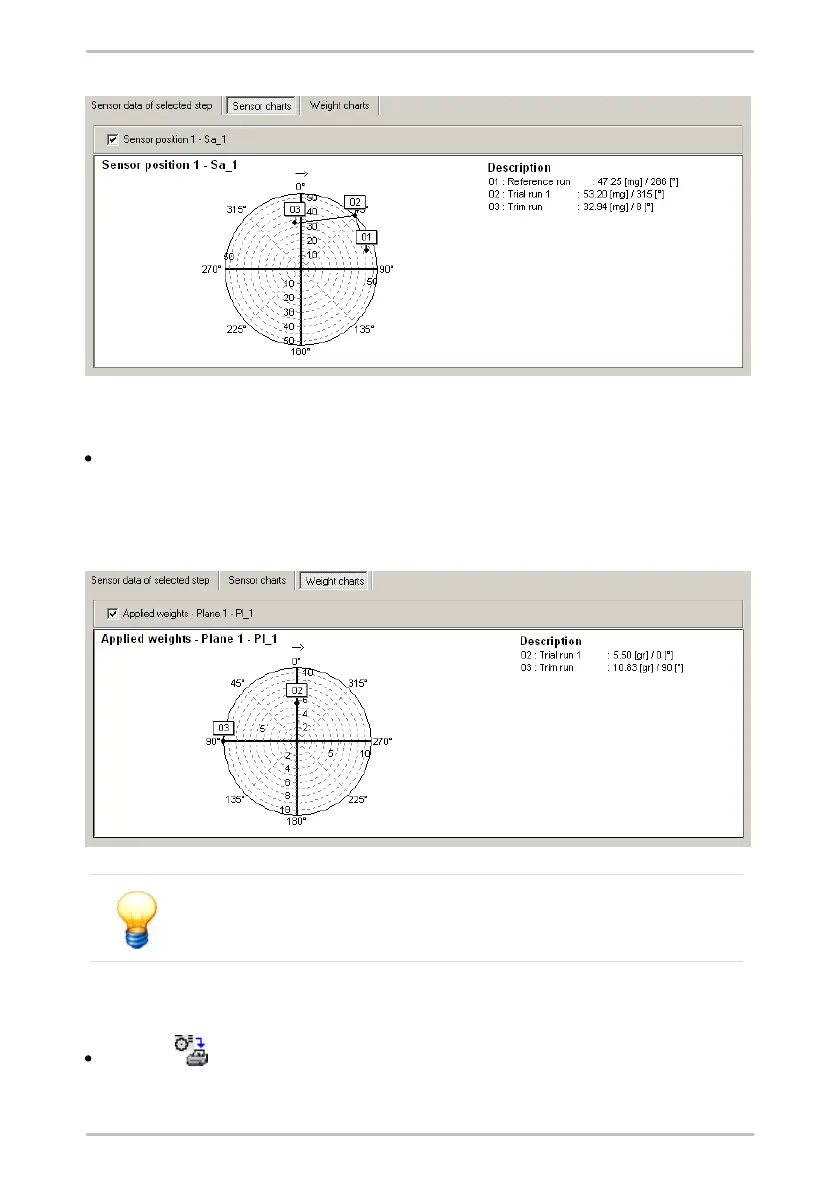
Click Weight charts to display the weights as a chart.
The Trendline software enters the position of the weights during the trial run and
trim run in a circular chart. You can switch the display of weights for each plane
on or off by clicking on Applied/proposed weights - Plane n.
The positions of the weights are indicated against the direction of
shaft rotation.
Print view of graphics
Click on to call up a print preview of the graphics.



 To Next Page