110
associate a free measurement with a certain measuring point, the template for
this measurement must have the same layout as the respective measuring point.
That means that the same characteristic values (with the same cut-off
frequencies) must be set and the sensor must also be configured accordingly.
Time signals and alarm thresholds may differ, as the characteristic values can be
compared none-the-less.
Create new template
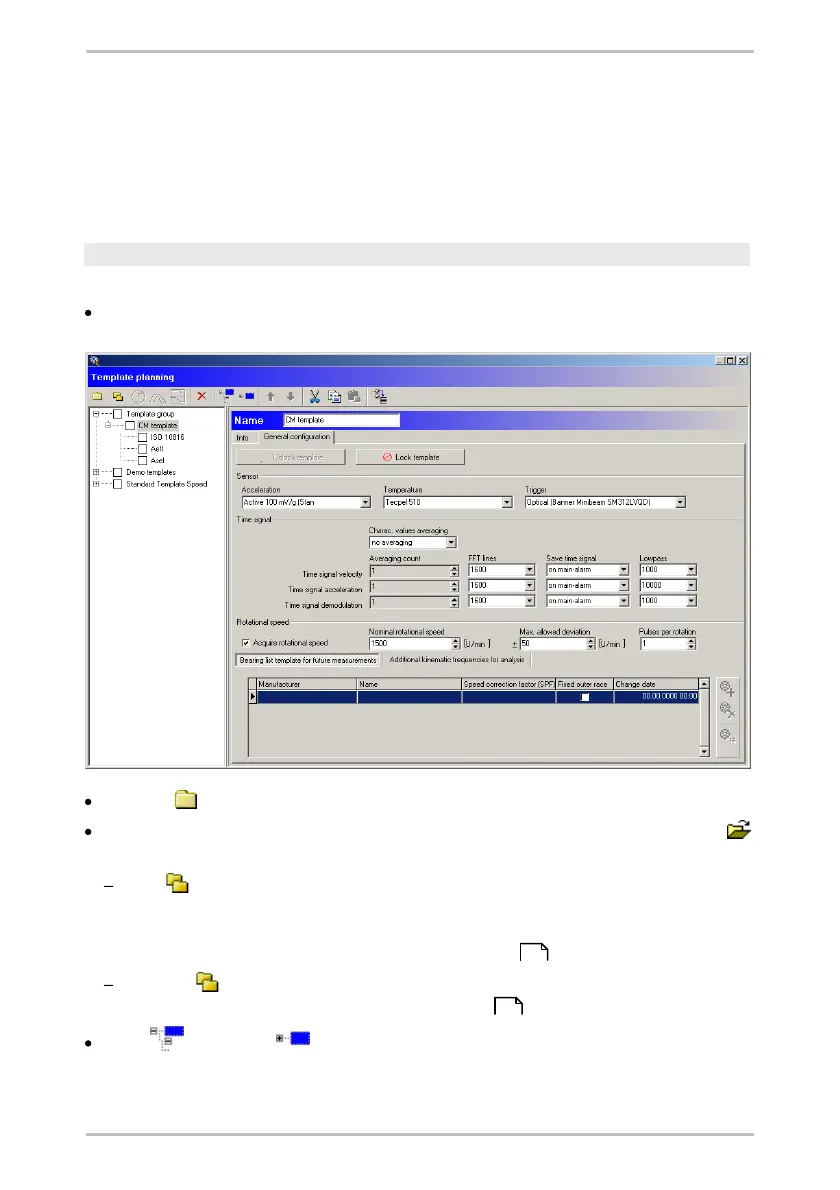
To create a new template, open the template planning.
Click in the Planning menu on Template.
Click on to add a new template group.
Name the template group. On the "Info" page you can include a picture with
or write a comment in the comment area.
With you create a new template. Here you can change the name (under
"Info") and insert a picture or comments. On the "General settings" page you
can configure different settings depending on the selected template (for
more information see "Set up a measuring point ").
Clicking lets you add new characteristic values to the template (for more
information see "Setting characteristic values ").
With and with you can unfold the tree starting from the element
selected or close again respectively.
58
65



 To Next Page