122
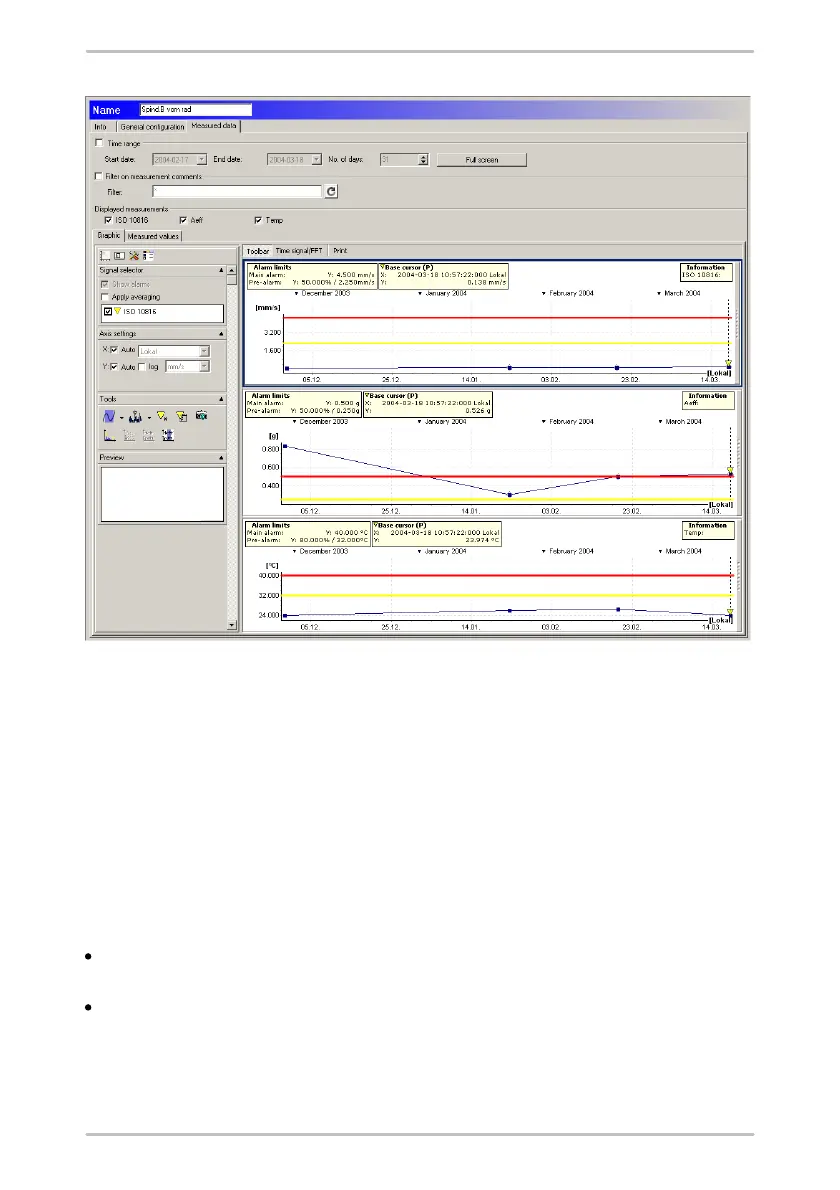
Time range
Click on Time range to limit the shown data to a defined period and enter Start
date and End date.
Alternatively you can select an End date and enter the Number of days. In this
case, the Trendline sets the Start date automatically.
Full screen
Click on Full screen to scale the graphic to the size of your monitor.
Filter by comments
If you want to display measured data with a particular comment, select the
option Filter by measurement comments.
Enter the desired comment in the "Filter" field. You can use the wildcards "?"
and "*" in the usual way, e.g.
o
"*Pump*" to find all measurements containing Pump or
o
"?200*" to find all measurements whose comment includes the text "200" at



 To Next Page