128
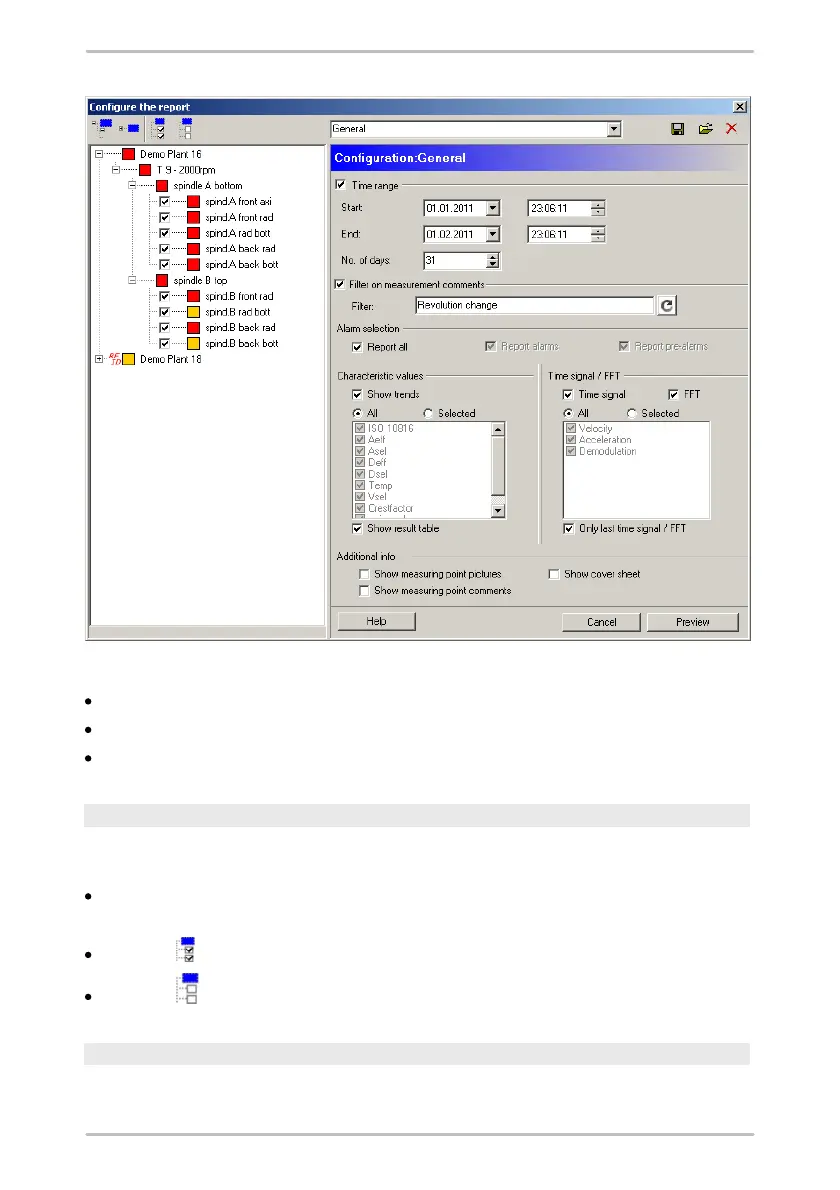
In this window, you can:
select which measuring points from the configuration should be displayed;
specify the scope and content of the report;
save the report configuration or load a previously saved configuration.
Select measuring points
Trendline displays all available measuring point configurations in the left-hand
area of the configuration window.
Select individual measuring points to display the corresponding measured
values in the report.
Click on to select all measuring points.
Click on to delete the selection.
Scope and content
In the right-hand area of the configuration window you can specify the settings for



 To Next Page