131
Trendline 3
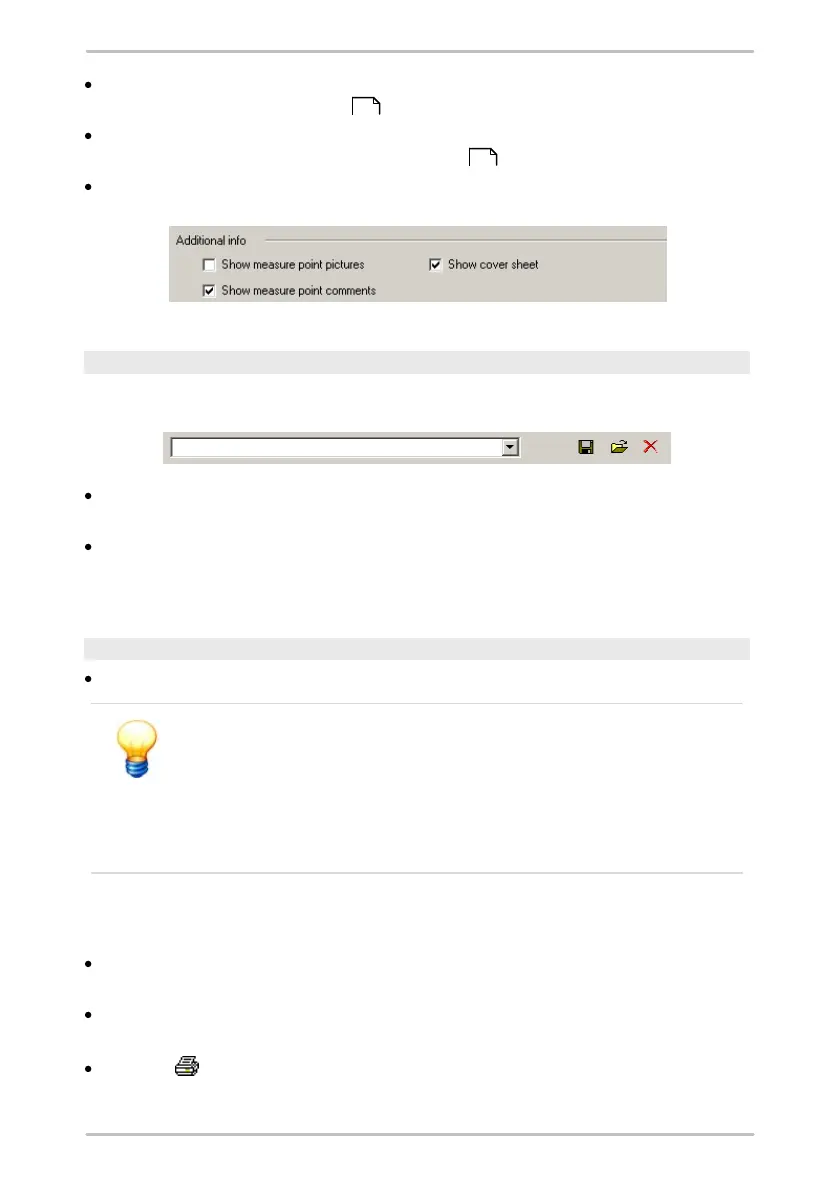
Show measuring point pictures to include the pictures inserted in the
measuring point configuration ;
Show measuring point comments to have the report include comments
entered in the measuring point configuration ;
Show cover sheet to output a cover sheet.
Save / load report settings
You can save the report settings for use at a later date.
To do this, click on the diskette symbol. The Insert configuration name
window opens.
Enter the name of the configuration you would like to save in the Configuration
name field. If this name already exists, you can either overwrite the existing
configuration or cancel this operation.
Create report
Click on Preview to create the report. The report window opens.
Trendline outputs a warning if your chosen settings will cause a
substantial report to be generated accompanied by a time-
consuming calculation.
You still have the option of canceling the operation at this stage in
order to reduce the report period or the quantity of data that will be
output.
You can use the toolbar to control the screen display:
The display size can be defined inView. Select Percent adjustable to enter a
zoom factor expressed as a percentage in the Percent input field.
You can navigate forwards or backwards through the report and also jump to
the start or end of the report using the arrow buttons.
Click on to print out the report.
58
58



 To Next Page