141
Trendline 3
amplitudes.
Measuring point from a balancing configuration
If you export a measuring point from a balancing configuration, the Trendline
software saves a general export file with details on the configuration, the
balancing jobs and the weights. In addition, the program creates one file per
balancing step ("Data File<n>.csv") containing the associated sensor data.
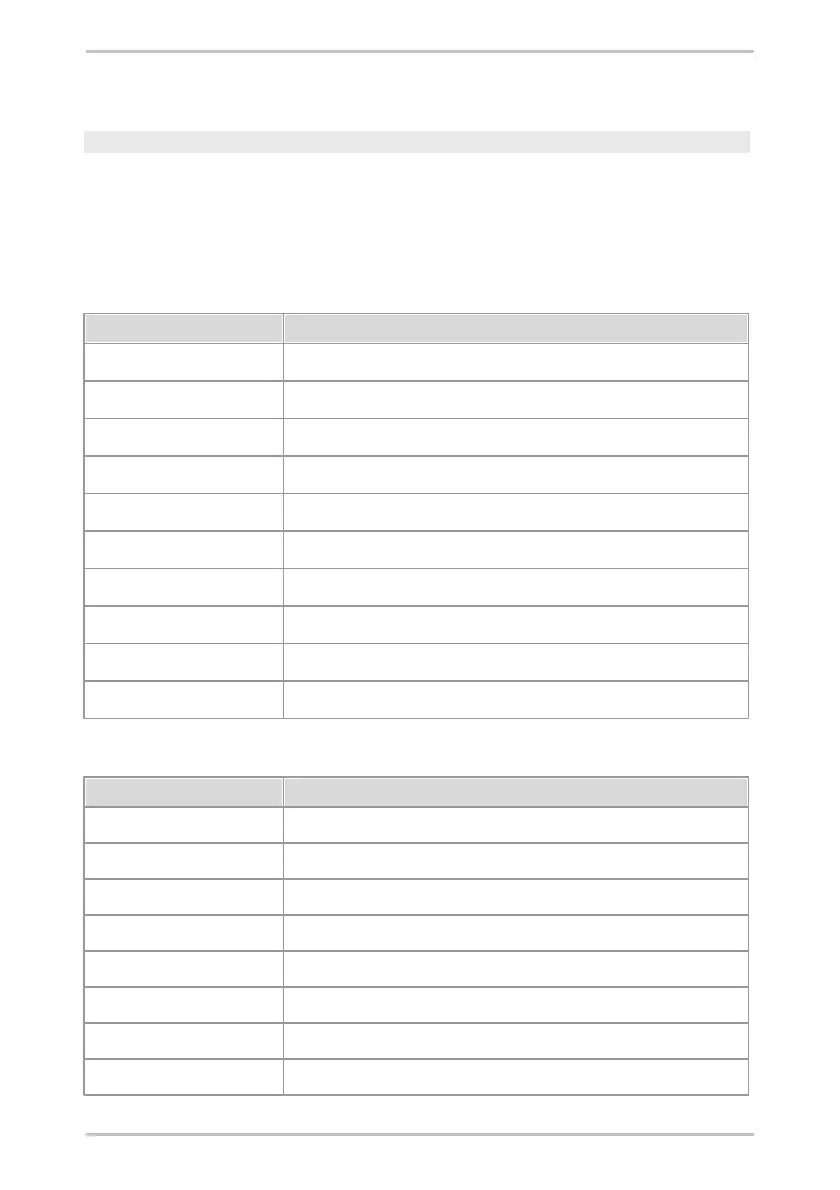
The general export file contains the following details:
Export file with the sensor data.
Number of the balancing job.
Amplitude of the weight used in plane 1.
Position angle of the weight used in plane 1.
Amplitude of the weight used in plane 2.
Position angle of the weight used in plane 2.
Type of balancing step (reference run, trial run, etc.).
Indicates what weights were removed.
The sensor data files contain the following details:
Amplitude of the coefficients in plane 1.
Angle of the coefficients in plane 1.
Amplitude of the coefficients in plane 2.
Angle of the coefficients in plane 2.
Amplitude of the vibration.



 To Next Page