143
Trendline 3
Select the import file with the extension "tr3".
Click on OK.
The import window opens.
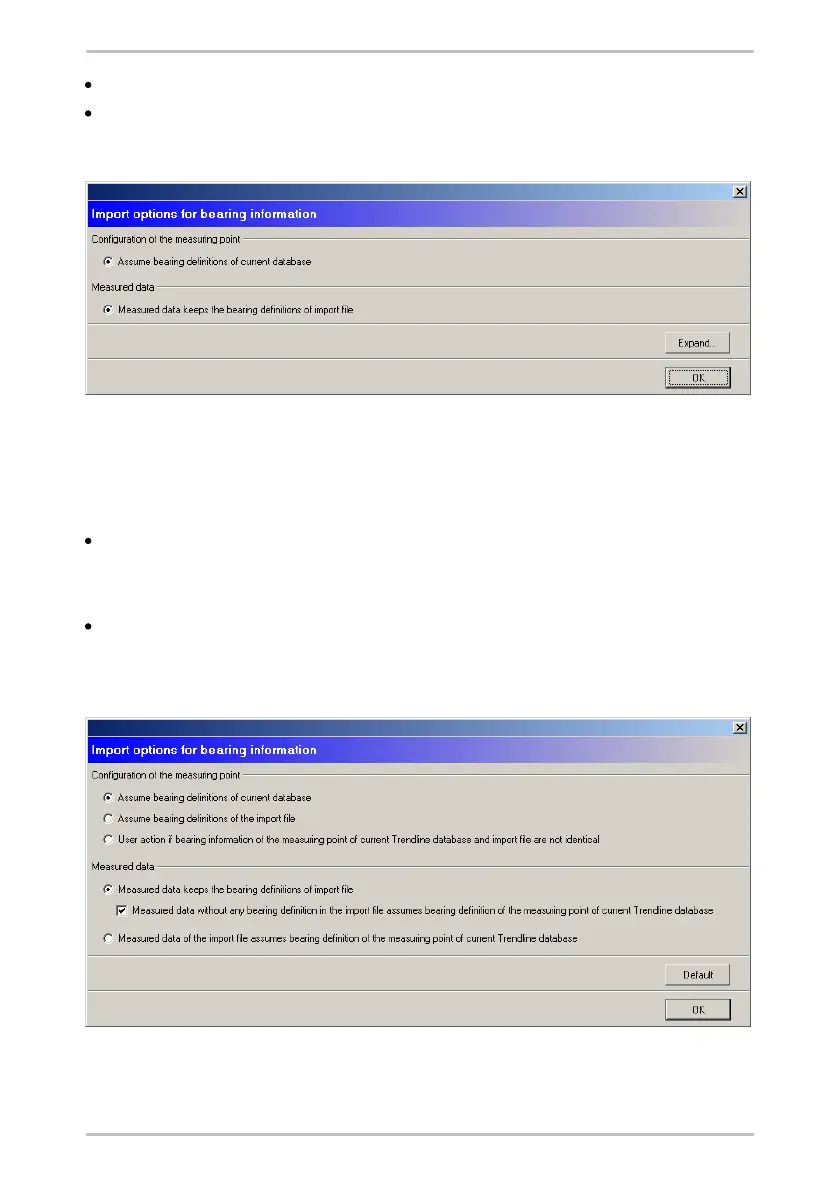
By default bearing information
- of measurement data will be kept
- at configurations will be overwritten with those from the current database.
To adopt the default import options click on OK.
The imported data will be added in the tree view.
Or:
Click on Expand to define other import options.
Advanced settings
For the import of measurement configurations you can
- keep the bearing information of the current Trendline database or



 To Next Page