167
FIS Viewer
3.
Release the right-hand mouse button.
Your selection is marked in the diagram.
4.
Right click once again on the diagram if you wish to return to the previous zoom
selection.
or
5.
To return to the full view of the diagram hold the Shift button down and right
click on the diagram
Vertical zoom
You can enlarge an area inside a diagram in a vertical direction using the
Vertical zoom tool. The range of values and scaling of the x-axis remain
unchanged:
1.
Select the Vertical zoom tool from the zoom tool selection list using the mouse
or press the F11 .
2.
Keeping the right-hand mouse button pressed down, drag the mouse across
the vertical section of the diagram you wish to enlarge.
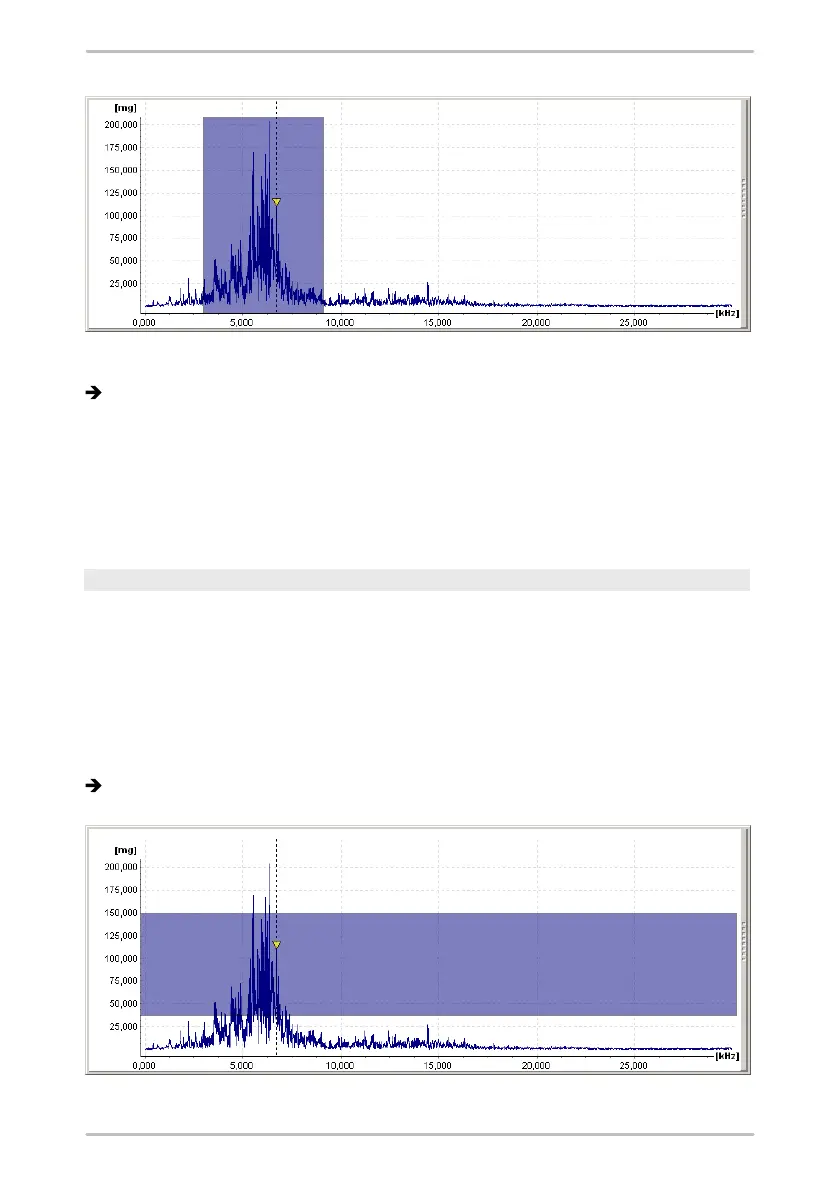
The zoom selection is now marked dark blue in the diagram.



 To Next Page