213
Detector III
Switch display lighting on and off
Press the lighting key .
Keyboard entries
In the Detector you can type in both numbers and texts. You can enter numerical
values directly by pressing the corresponding number on the keypad. In the text
edit field you can enter letters and special characters by pressing the number
keys multiple times. For example:
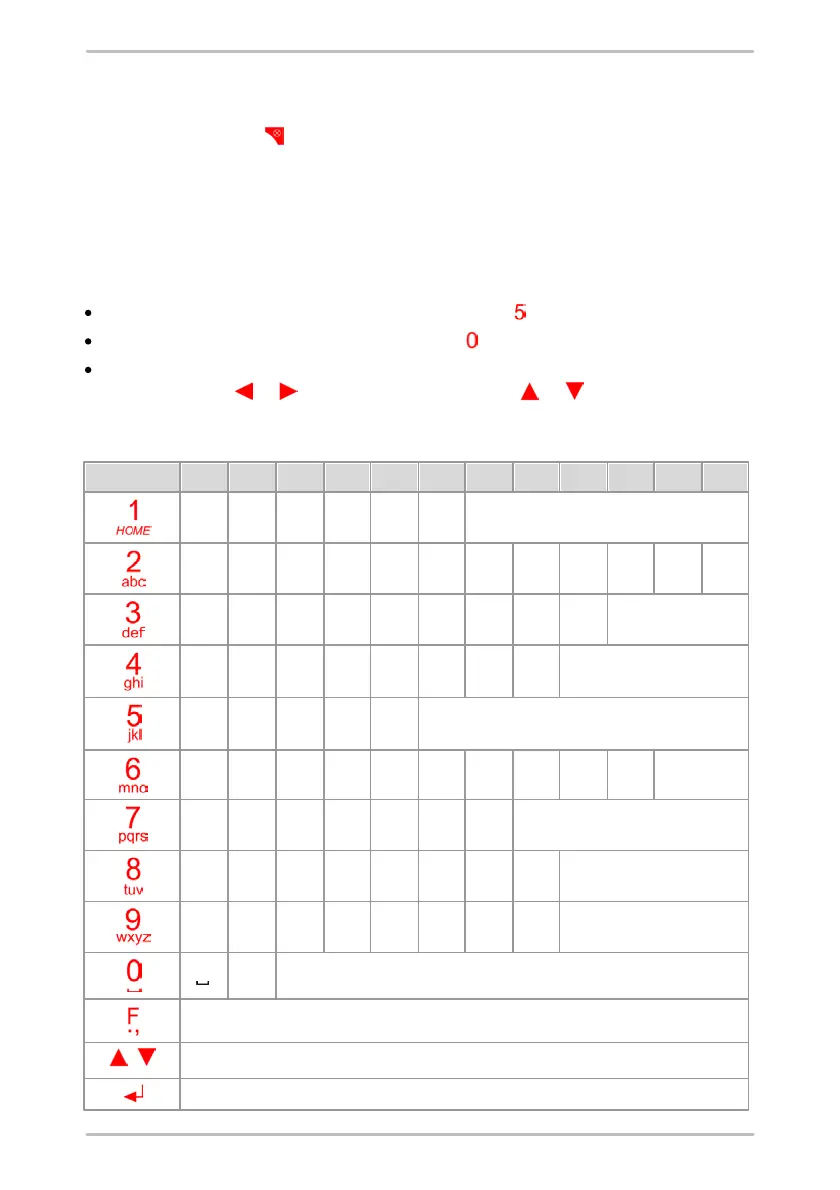
If you want to type in the letter "k", press the button twice.
To enter a space character press the button once.
To set the upper or lower case for a single character, select the character with
the cursor keys or and press the cursor keys or .
The following table provides the keys and their functions:
Opens the character map with other special characters.
Alternates between upper and lower case



 To Next Page