251
Detector III
You can repeat a measurement (completely or at particular measuring points)
before you transfer the measurement data to the Trendline software. To do this,
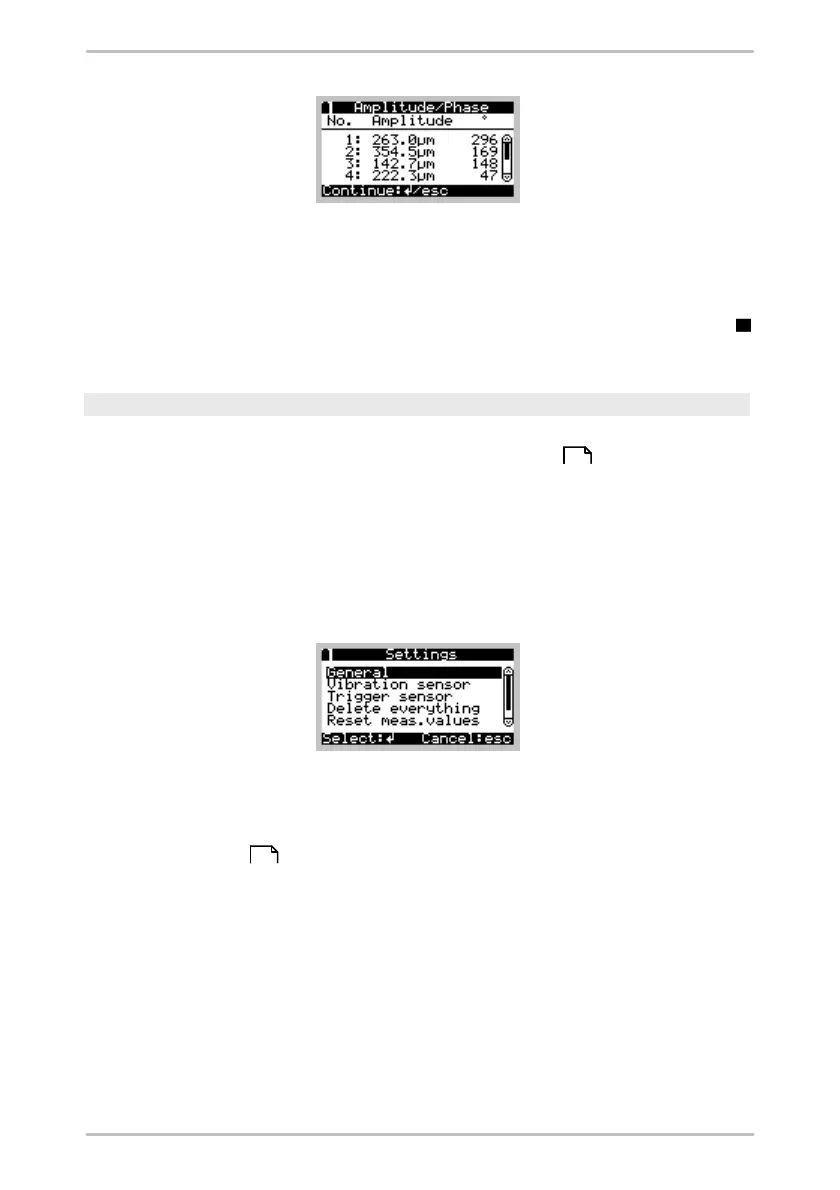
select Repeat measurement in the Amplitude/phase menu. The Detector
displays a table containing all of the available measuring points. A measuring
point that has already been measured is indicated in the menu with the symbol
. Select the desired measuring point in order to repeat a measurement.
Settings
You can use this menu item to display the settings you specified for the
measuring point in the Amplitude/phase configuration of the Trendline
software. In the case of a free measurement, you can also modify the settings
from here as long as no measurement has been taken.
General
Select this menu item to display the amplitude/phase and the rotational speed
settings of the configuration.
Trigger sensor / vibration sensor
Select this menu item to display the particular sensor setting from the Amplitude/
phase configuration .
Remove all
Select this menu item to delete all previous measured values as well as the
name and pitches for this configuration.
Clear measured values
Select this menu item to clear all previously measured values for this
configuration, i.e. amplitude/phase values, rotational speed. Names and pitches
are not deleted such that you can repeat the measurement at all measuring
76
76



 To Next Page