27
Trendline 3
5.
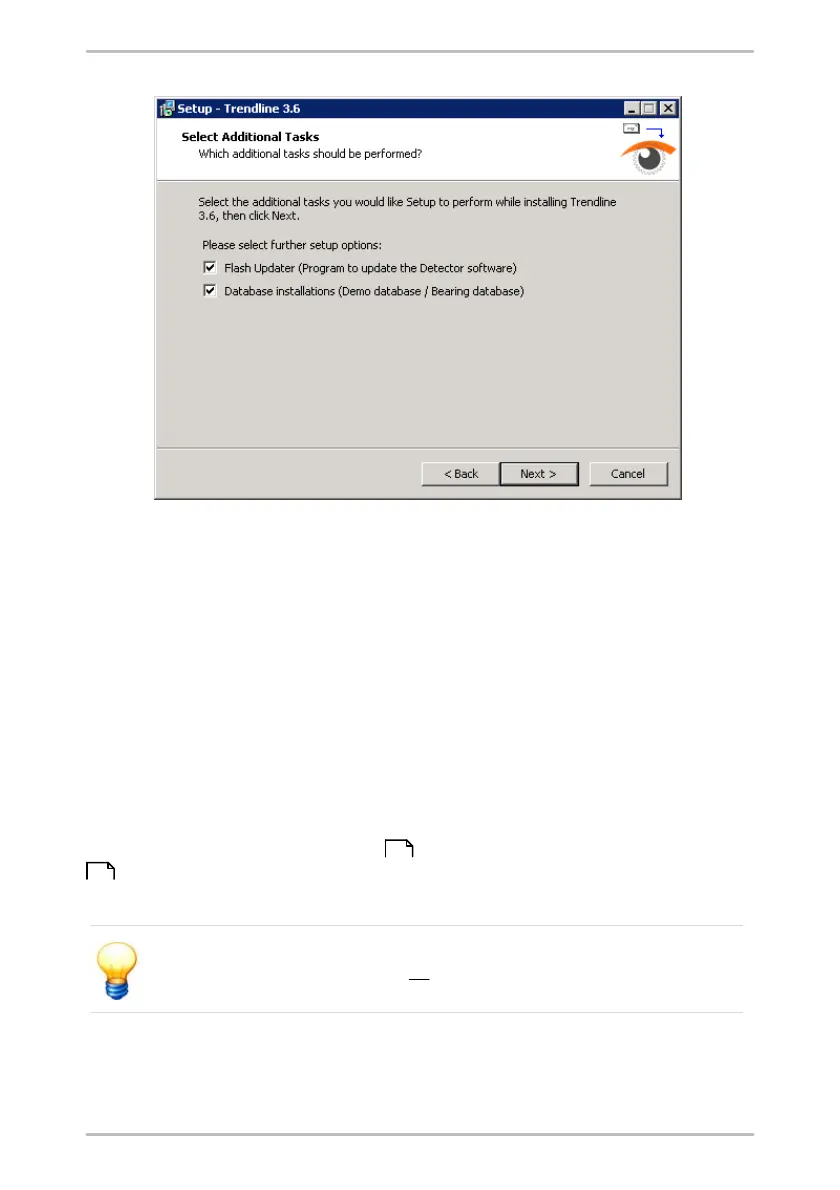
Optionally you can select additional components for installation. Select from
the list:
•
Flash Updater to install a program for Detector firmware updates
•
Database installations to install the demo database and/or bearing
database
6.
and click Next.
7.
In the next window check your settings and click Install or click Back to correct
your settings.
The Trendline software will be installed.
8.
Click Finish to exit Trendline installation.
If you selected additional components for installation, please change to the
chapter "Flash Updater installation" respectively "CM database installation"
.
Please restart your system after all installations have been completed!
28
28



 To Next Page