32
2.
Accept the default password "CM_services$1sa" or enter your own password
for the server instance.
If you want to assign your own password for the
administrator user "sa", please use a password that
meets the security policies of your computer. This can
be, for example, a strong password with at least 10
characters, upper and lower case and alphanumeric
and special characters.
We recommend to note the user-defined password in
your records.
3.
Click Next.
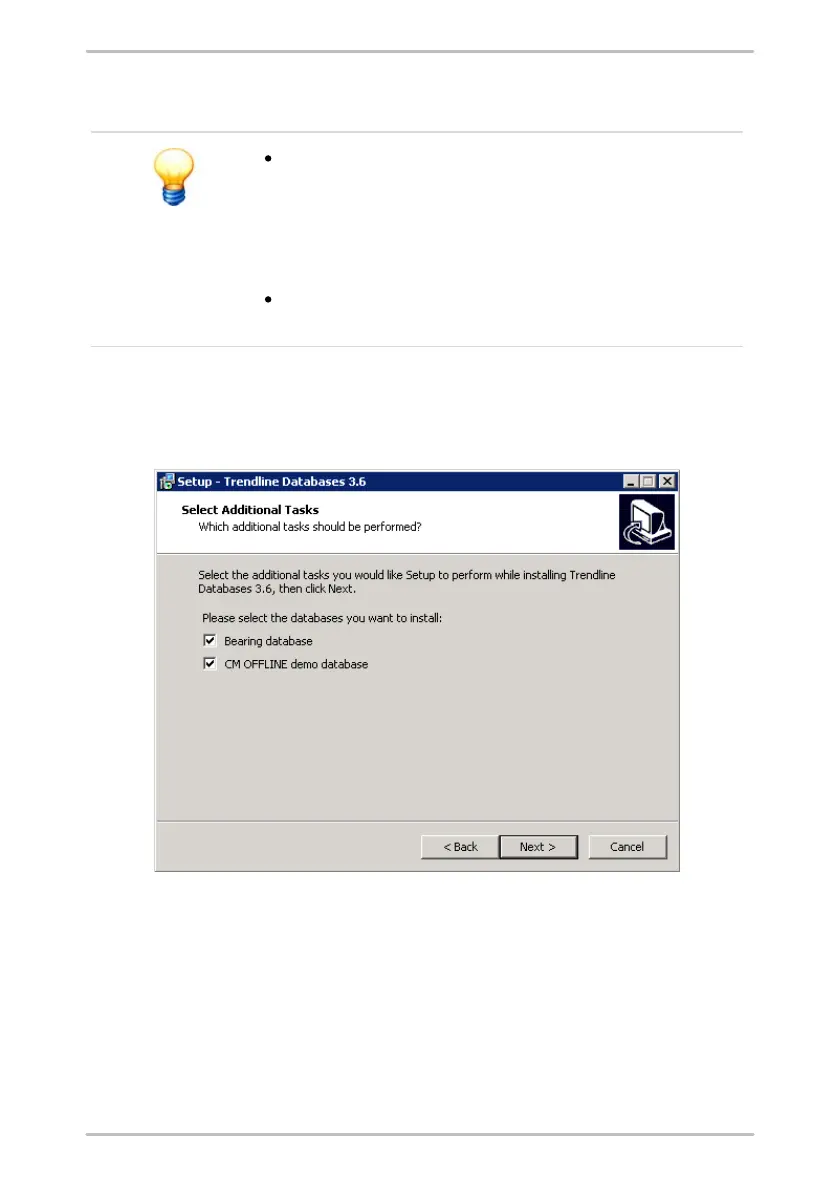
If you selected the installation with databases, you can select which database(s)
should be registered in the next step.
4.
Select the database(s) which should be installed and registered at the
database server and
5.
click Next.
The database program will be installed and the selected databases will be
registered (attached) automatically.
6.
Click Finish, to exit installation.



 To Next Page