38
You can change the setting for the automatic notification in the
program settings (see Updates ) at any time.
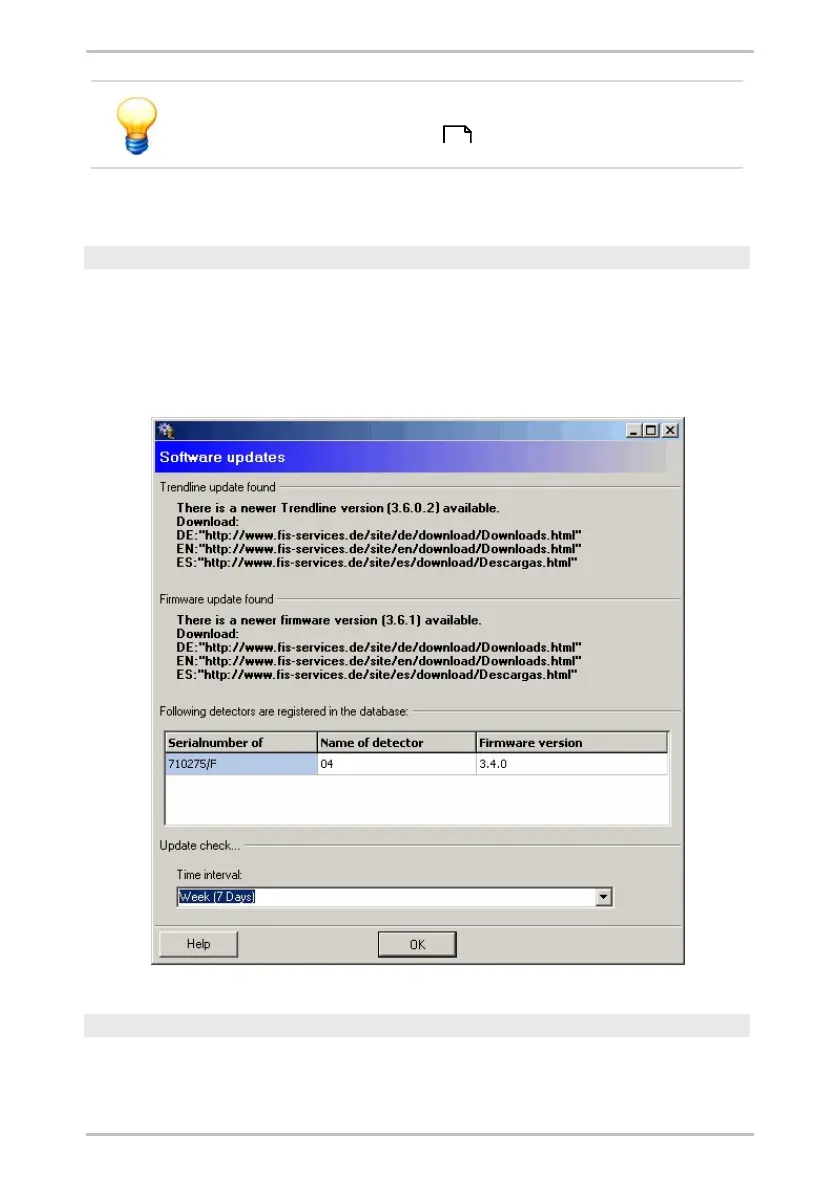
Updates were found
If updates were found for the Trendline software or Detector firmware, the
download address will be displayed. If a firmware update is available, the
Trendline software also displays the registered Detector devices and the
firmware version installed on each device. This allows you to quickly recognize
which devices require a firmware update.
Connection could not be established.
If no update information was found, for example, due to a problem with the
Internet connection, you can deactivate this message for future queries. To do
150



 To Next Page