46
Acceleration sensor
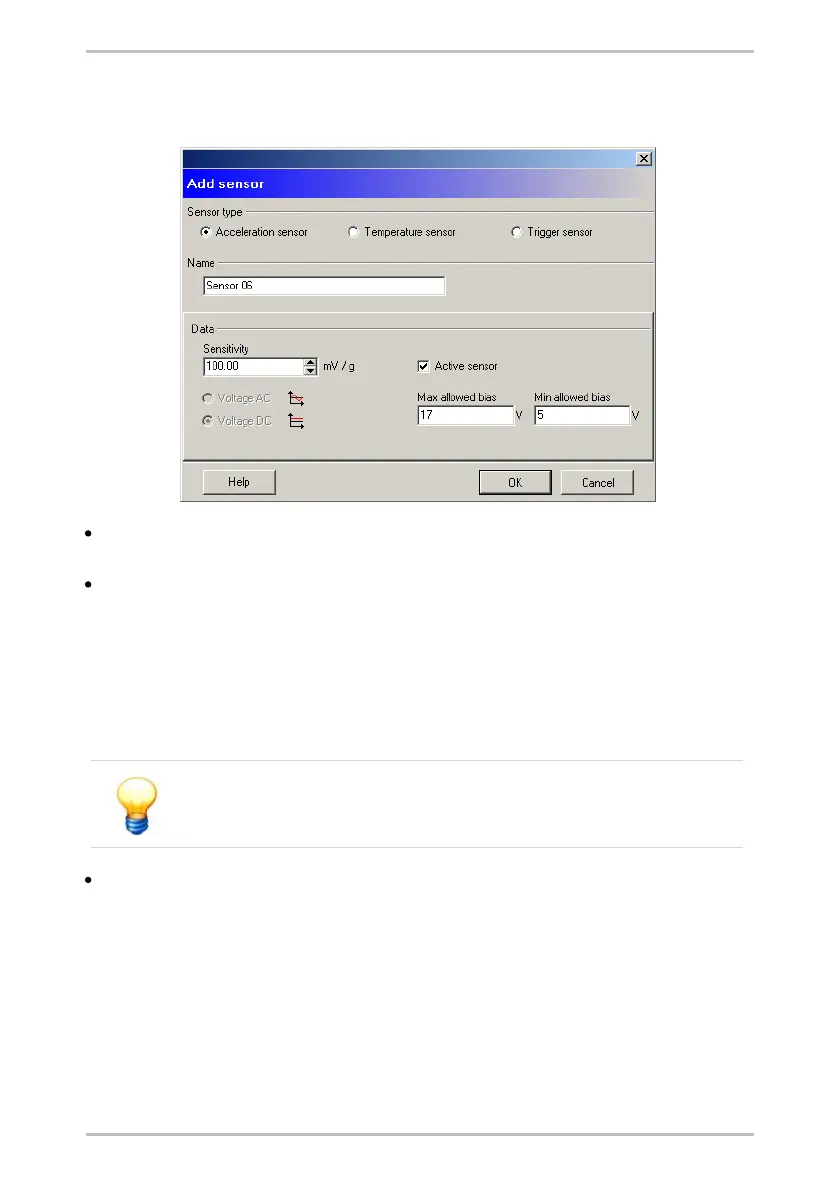
Enter sensor sensitivity in mV/g in the Sensitivity field. Sensitivity is printed on
the sensor or indicated in the enclosed specifications.
When you add an active sensor, select Active sensor and enter minimum and
maximum bias voltage in the appropriate input boxes. On the one hand, this
activates sensor supply voltage in the Detector before the measurement is
performed and activates a high pass to filter the supply voltage out of the
measuring signal. On the other hand, the Detector checks whether sensor bias
voltage is within the set thresholds. Minimum bias voltage must be at least 3,
maximum bias voltage must not be greater than 17. The difference between
the two values must not be less than 10.
If you want to measure on a power supply unit, Active sensor must
not be enabled. In this case select AC or DC voltage.
Click OK to save the new sensor.



 To Next Page