62
only for measurements from a certain period
Specify the bearing assignment at measuring point level in the
configuration. You can also assign bearing data directly to
individual measured values. For more information refer to
Measured values .
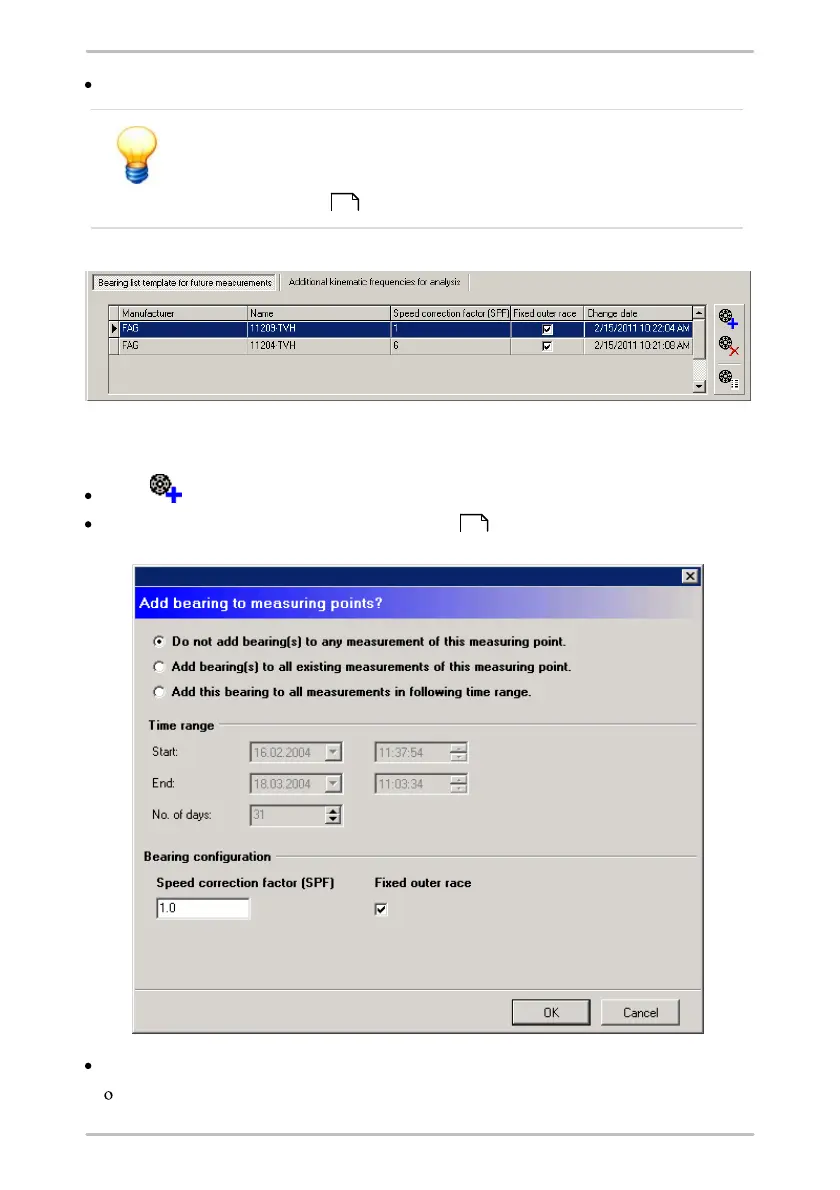
Add bearing to measuring point
Click and
select a bearing from the bearing database .
Select to which measurements the bearing should be added:
If you only want to apply the bearing information for future measurements,
117
102



 To Next Page