79
Trendline 3
Show details
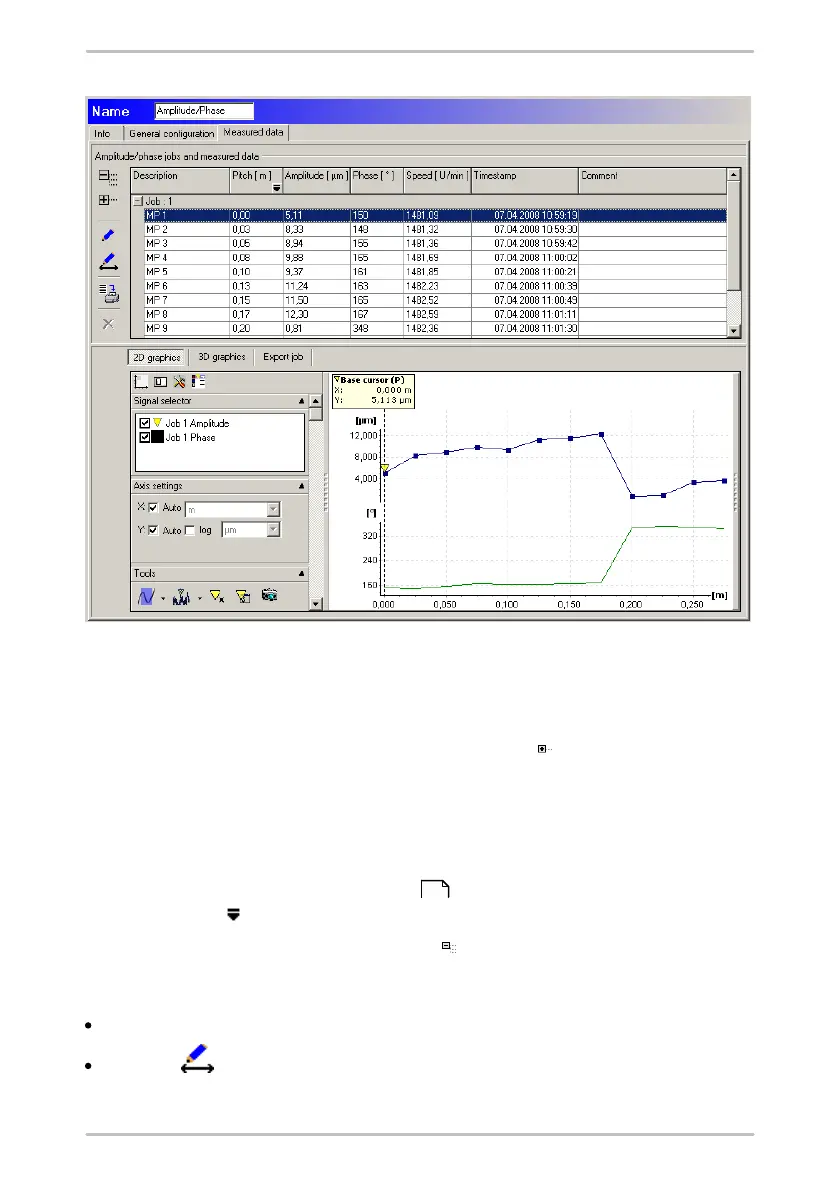
The measured values are combined in measurement jobs. A measurement job
contains all related measured values. To display the details of a measurement
job click on the appropriate entry in the list then click on .
For each step of the Amplitude / phase measurement, the Trendline software
shows sensor position, distance of the measuring point from the referencing
point of the measurement, amplitude and phase of the vibration on the sensor,
speed as well as data and time. The list is sorted in ascending order according
to the distance from the referencing point. The values are displayed in the
selected units (see "Program settings" ). To select the unit for the "Pitch"
column, click on and select the desired unit.
If you wish to hide the details again click on .
Pitch of a measuring point at the start of the measurement.
Click on the measuring point in the table of measurements.
Click on and enter the desired value in the Change pitch field (max. 5
places before and max. 2 places after the period).
146



 To Next Page