7 Operations of CEMS2000 Monitoring Software
79
FOCUSED PHOTONICS INC
Note:
The MN number is the unique ID assigned by the environmental protection authority or
monitoring service provider.
7.2.4 Filling History Data
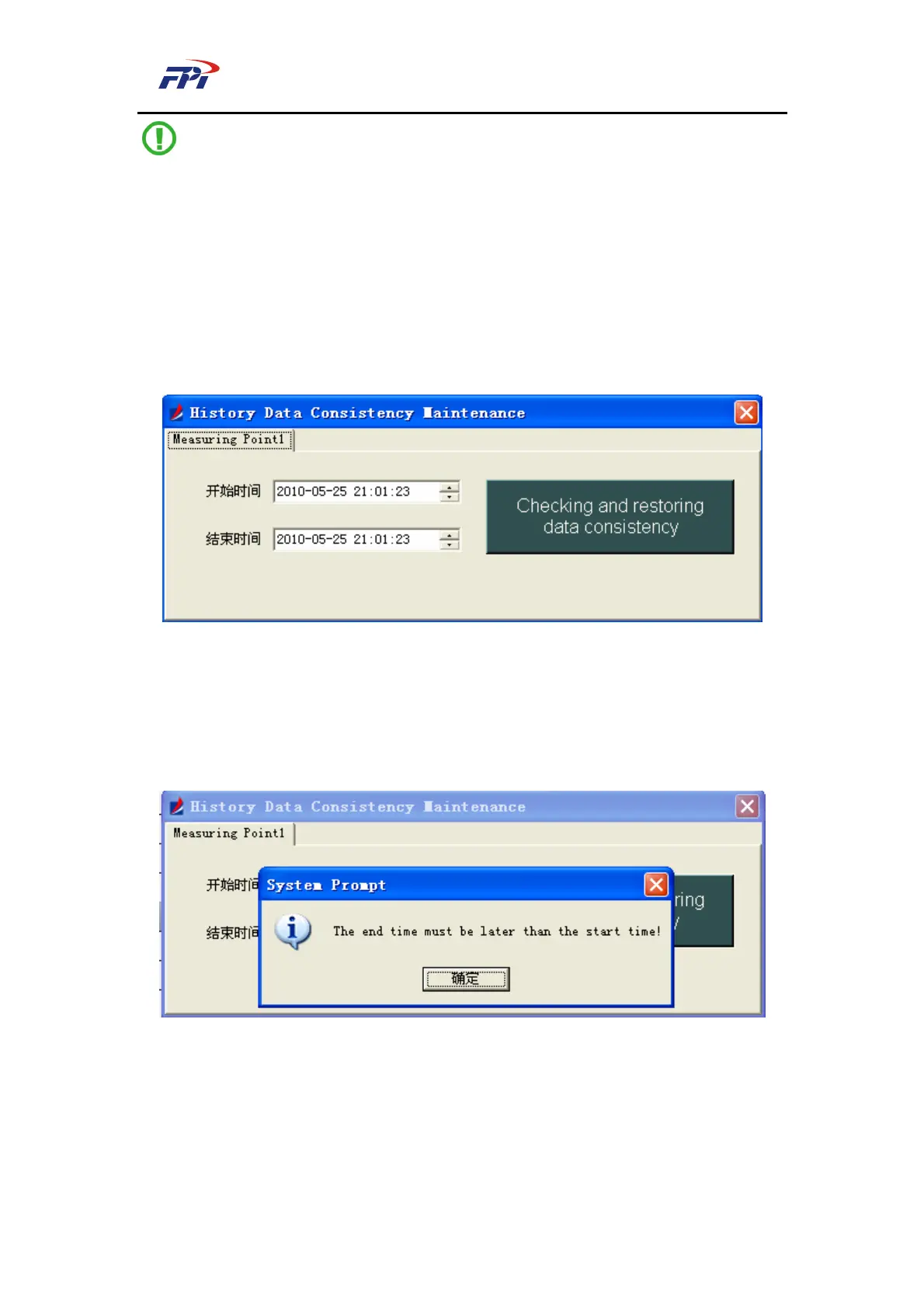
This function is used for filling the missing data according to the national environmental
protection agreement, as shown in Fig 7-34. In this textbox you can select the start time and the
end time, then click the “Start” button to start filling the data.
Fig 7-34 Filling Missing Data
If no data is missing within the selected time range, the system will pop-up a textbox
prompting “No missing data to be filled within the selected time range!”, as shown in Fig 7-35. If
the any data is found missing within the selected time range, the system will automatically fill the
data, as shown in Fig 7-36.
Fig 7-35 Prompt of No Data Missing



 To Next Page