7 Operations of CEMS2000 Monitoring Software
104
FOCUSED PHOTONICS INC
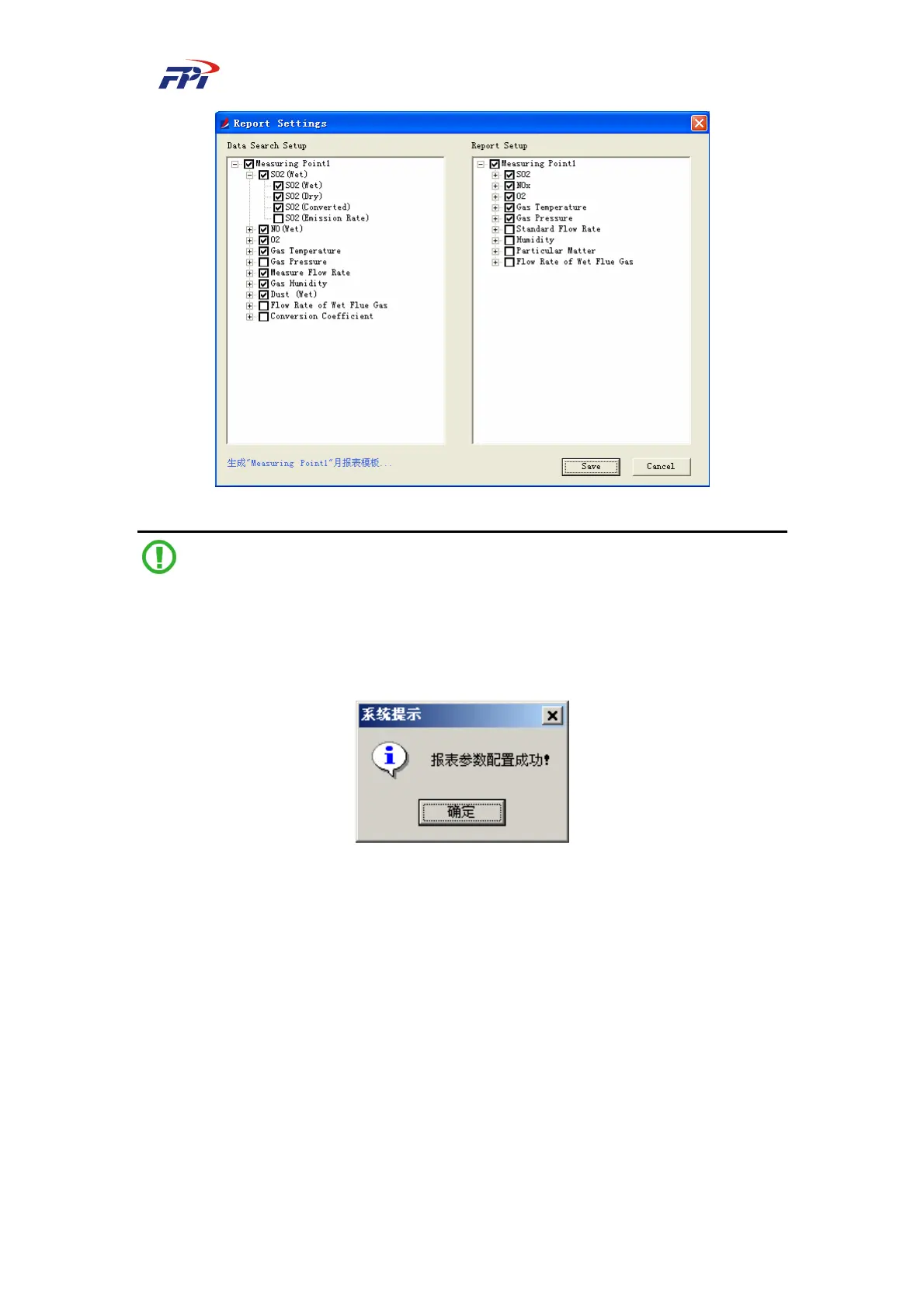
Fig 7-73 Parameters in Report Settings
Note:
As the creation of report template may takes long time, it is recommended not to perform any
operations during the creation.
The system will prompt the user after the report template is created:
Fig 7-74 System Prompt
7.5 System Help
Click “Help” to enter the help menu, as shown in Fig 7-75, including about, system settings
and switching measuring points.


 To Next Page