7 Operations of CEMS2000 Monitoring Software
82
FOCUSED PHOTONICS INC
main window.
7.3.1.2 Temperature and Pressure of Gas Room
This function is used for reading the temperature and pressure in the gas room. Click the
button of gas room temperature and pressure to pop-up the window as shown in Fig 7-40. Clicking
the “Read” button in this window, the system will read the temperature and pressure in the gas
room and displays the data in the textbox.
Fig 7-40 Temperature and Pressure of Gas Room
Click the “
” button at the top right of the window to return to the main window.
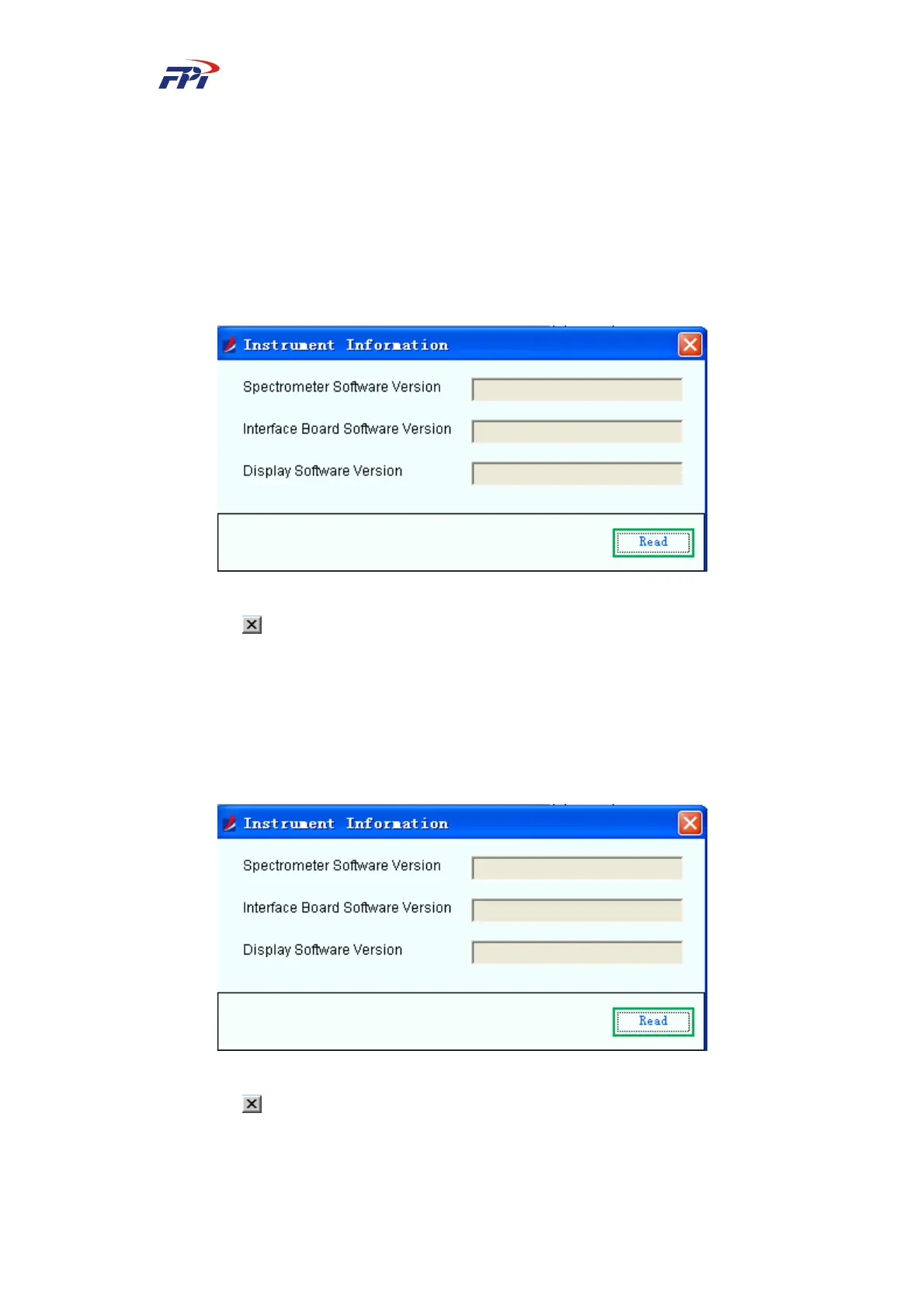
7.3.1.3 Instrument Information
This function is used for searching the instrument information by the users, as shown in Fig
7-41. In this window, you can read the software version of spectrometer, interface board and
display board.
Fig 7-41 Instrument Information
Click the “
” button at the top right of the window to return to the main window.



 To Next Page