5 System Operations
18
Fig 5-6 Manual Adjustment
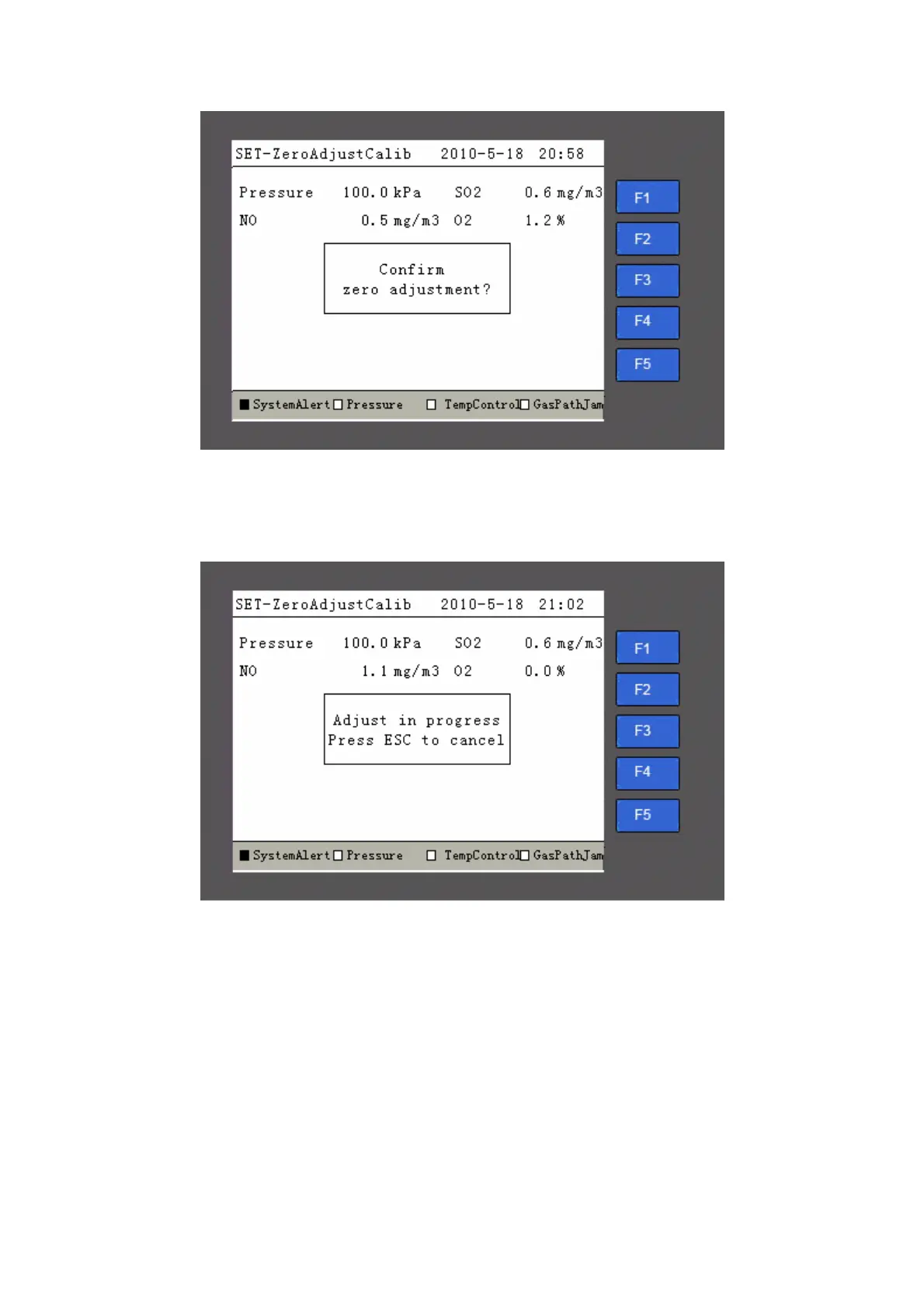
The gas density will change until it goes close to 0. After the data becomes stable, please
press the “Enter” button to start adjustment, as shown in Fig 5-7
Fig 5-7 Zero Adjustment in Process
After the zero adjustment is finished, the system will return to the manual zero adjustment
page in Fig 5-6 but the prompt of “Start to adjust?” is not available.
5.3.3.2 Manual Zero Adjustment on CEMS-2000 Monitoring Software
You can carry out zero adjustment for SO
2
and NO on CEMS-2000 monitoring software.
Click “Instrument Management Æ Instrument Control Æ Remote Control” on the main page, the
remote control page will be open as shown in Fig 5-8 and Fig 5-9.



 To Next Page