7 Operations of CEMS2000 Monitoring Software
72
FOCUSED PHOTONICS INC
5.2.2.1 System Constant Configuration
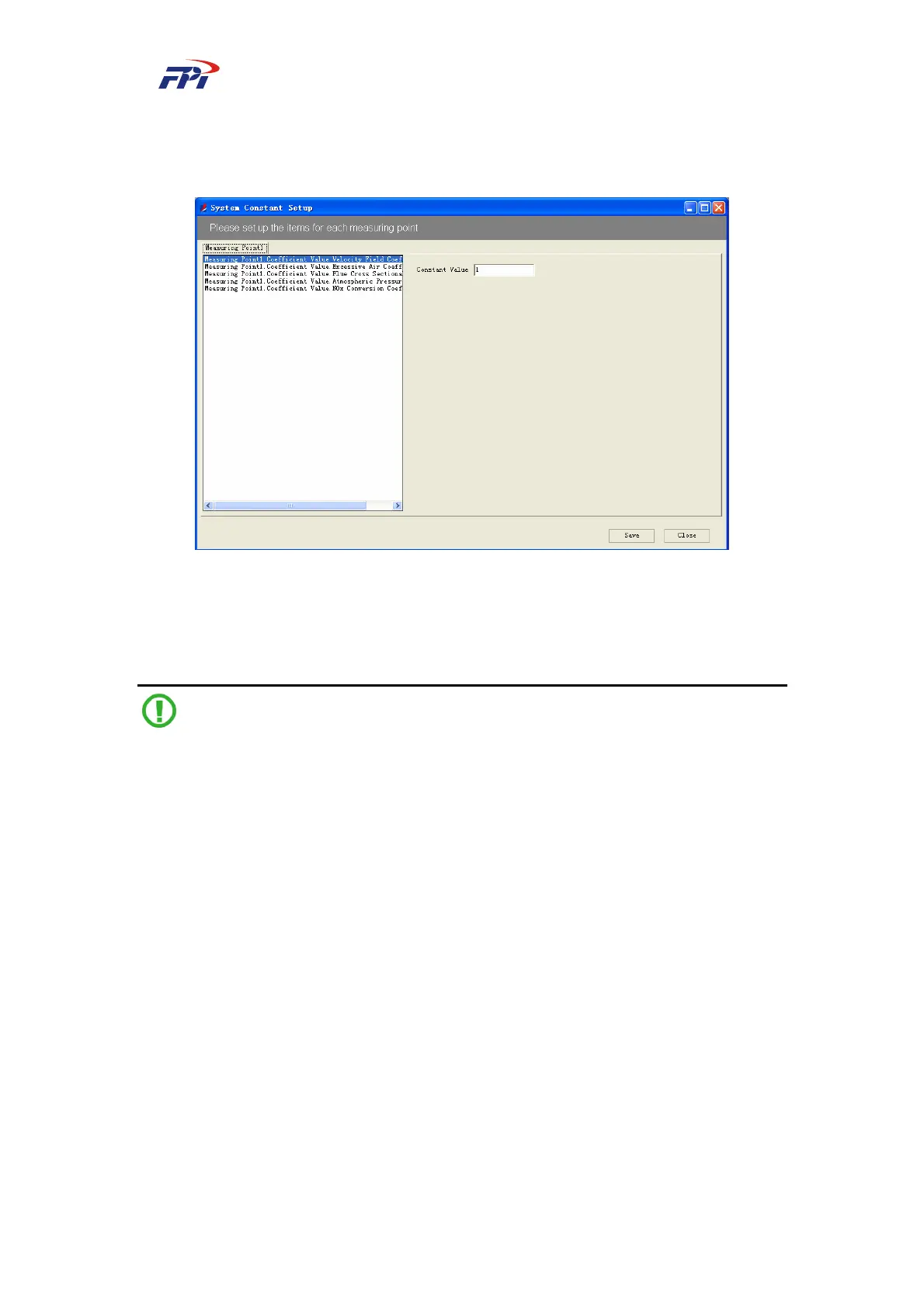
This function is used for configuring the system constants, as shown in Fig 7-22.
Fig 7-22 System Constant Configuration
In the constant configuration window, you can input the corresponding value of the constant
in the “Constant Value” box. Click the “Save” button to save the constant and click the “Close”
button to return to the main window.
Note:
You should configure the measurement constant for each measuring point. Normally you can
use the default settings.
7.2.2.2 Configuration of Default Measurement Range
This function is used for configuring the measurement range of the measuring variables
displayed on the PC.



 To Next Page