7 Operations of CEMS2000 Monitoring Software
75
FOCUSED PHOTONICS INC
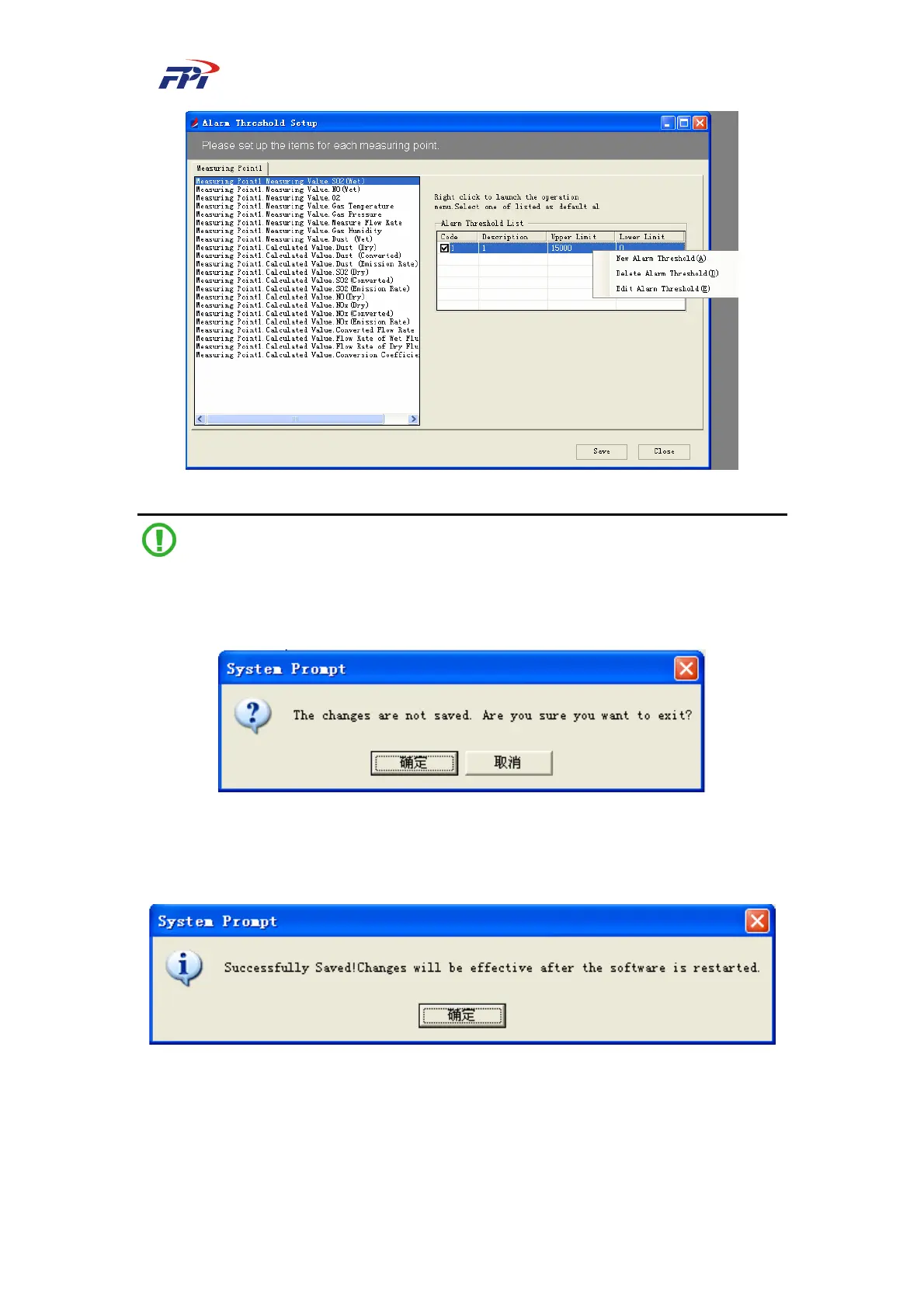
Fig 7-26 Configuration of Alert Threshold
Note:
If you click the “Close” button before saving the configurations, the system will prompt you
with a pop-up window as shown in the figure below:
Fig 7-27 System Prompt 1
Click the “Cancel” button to return to the previous window and save the configurations. After
you click the “Save” button, the system will display the information as below:
Fig 7-28 System Prompt 2
Click the “OK” button and restart the software to make the changes of alert threshold
effective.



 To Next Page