5 System Operations
14
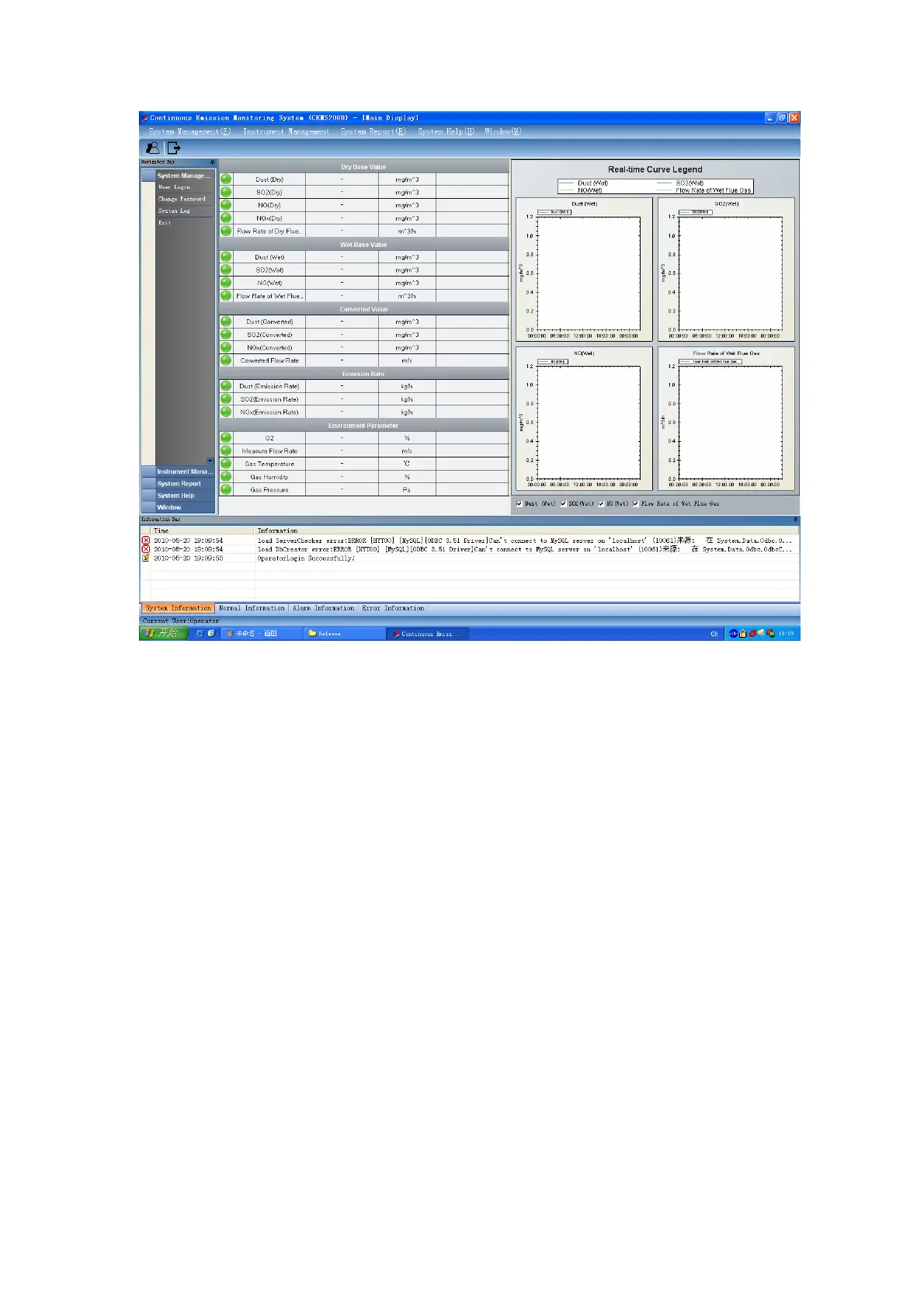
Fig 5-2 CEMS-2000s Monitoring Software Screen
5.2 Preparation of Running System
5.2.1 Pre-Checking
Normally the following items should be checked before the system is powered on:
1.) The system should be grounded properly;
2.) Meter pressure (0.4 MPa – 0.6MPa) should be prepared and connected;
3.) The optical fiber should be firmly connected and its bend radius should be more than
8cm;
4.) The gas exhaust should be inducted with a pipe to outdoor.
5.2.2 Power-Up Sequence
The power switches of the system are installed at the front panel of CEMS-2000s cabinet. Fig
5-3 is part of the switches. When you switch on the power, please switch on the main switch first
and then switch on other switches in sequence.



 To Next Page