7 Operations of CEMS2000 Monitoring Software
106
FOCUSED PHOTONICS INC
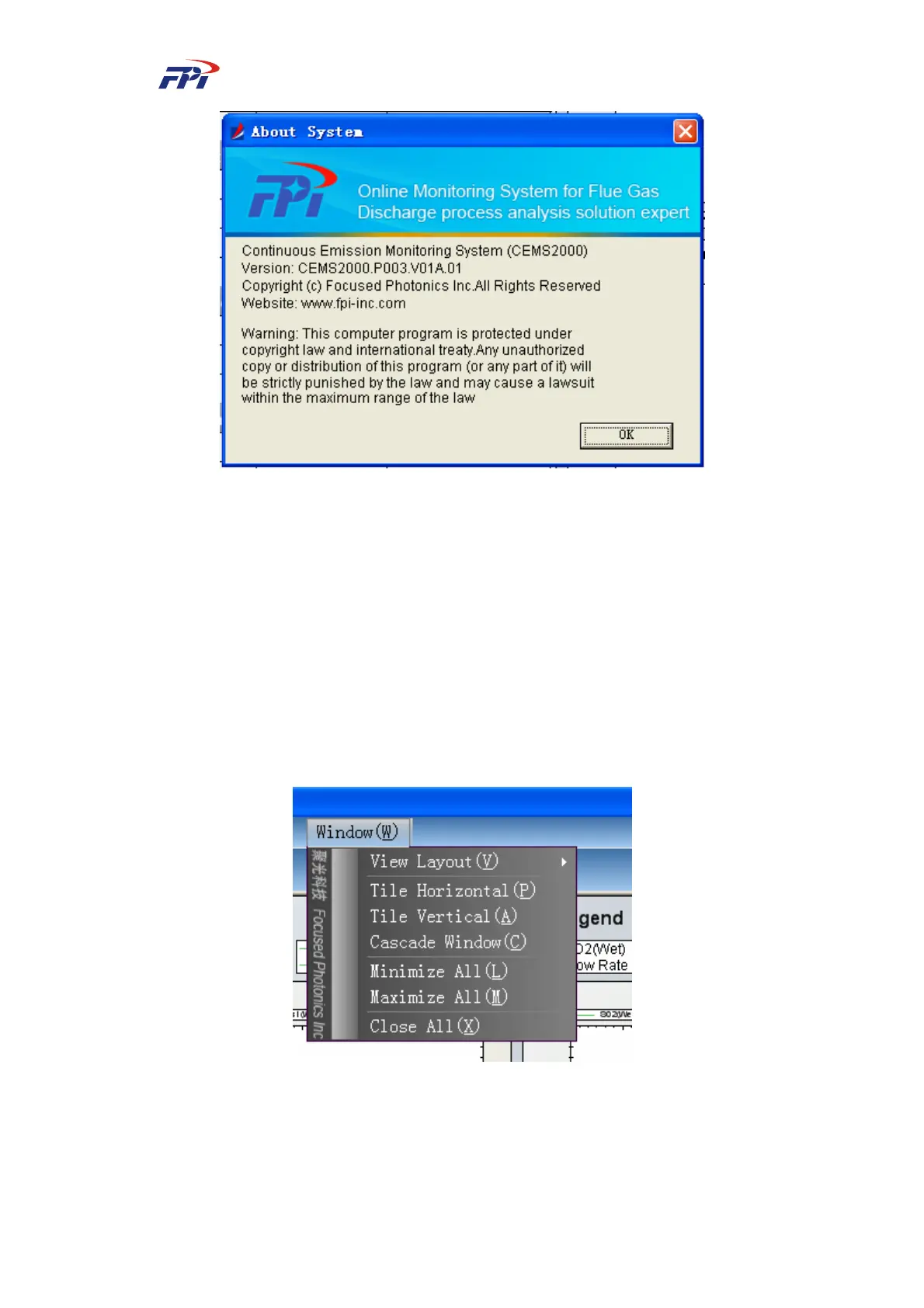
Fig 7-77 About the System
7.6 Window
In the window menu, the users can set the style of the windows with options of view layout,
horizontal cascade, vertical cascade, close all, minimize all and maximize all.
The view layout offers the users settings of the layout of main window, as shown in Fig 7-78.
The selected view will be displayed in the main window; otherwise it will not be displayed. You
can choose to display the toolbar, navigation bar, information bar and status bar. The position of
each view is shown in Fig 7-79.
Fig 7-78 Layout of View



 To Next Page