6 Operations of OMA-2000 Spectroscopic Gas Analyzer
30
FOCUSED PHOTONICS INC
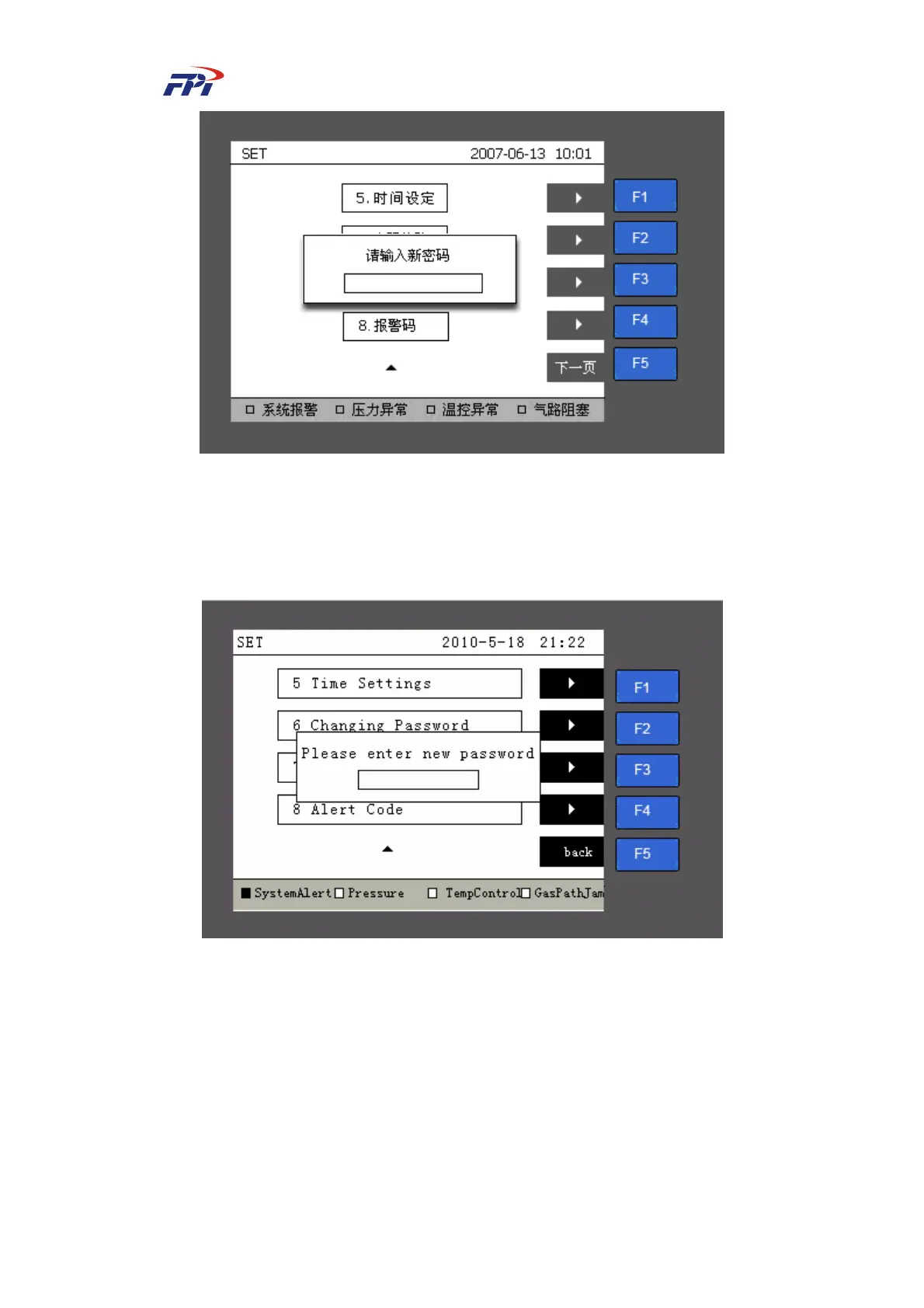
Fig 6-4 Changing Password
Step 4 Input the new password using the number buttons. When the page prompt you
“Please enter the password again” as shown in Fig 6-5, you should input the
password again and press the “Enter” button to finish the setup.
Fig 6-5 Confirmation of Changing Password



 To Next Page