6 Operations of OMA-2000 Spectroscopic Gas Analyzer
48
FOCUSED PHOTONICS INC
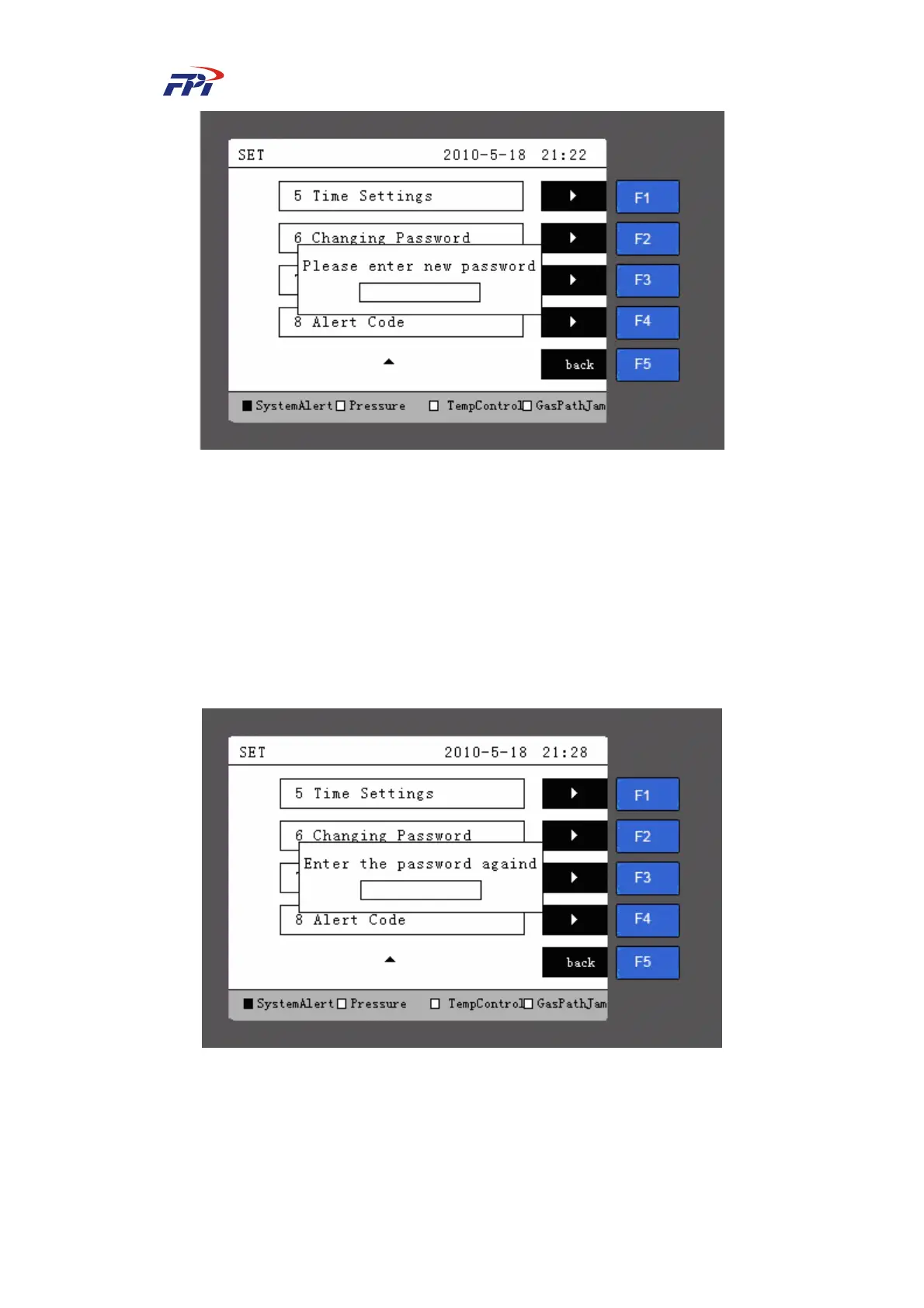
Fig 6-29 Changing Password
Step 15 Input the new password in the changing password page with figures of 0-9 by the
number button. After the new password is entered, the system will prompt a dialog
box of “Please enter the password again”, as shown in Fig 6-30. Input the
password again and press the “Enter” button to confirm the password. If the two
inputs are the same, the system will store the password and prompt that the
password has been changed successfully. If the two inputs are not the same, the
system will prompt you to input the password again.
Fig 6-30 Confirming Password
6.5.8 System Purging
The users can set the time and interval for probe purging and flow rate purging on the purging
setup page, as shown in Fig 6-31 and Fig 6-32.



 To Next Page