6 Operations of OMA-2000 Spectroscopic Gas Analyzer
53
FOCUSED PHOTONICS INC
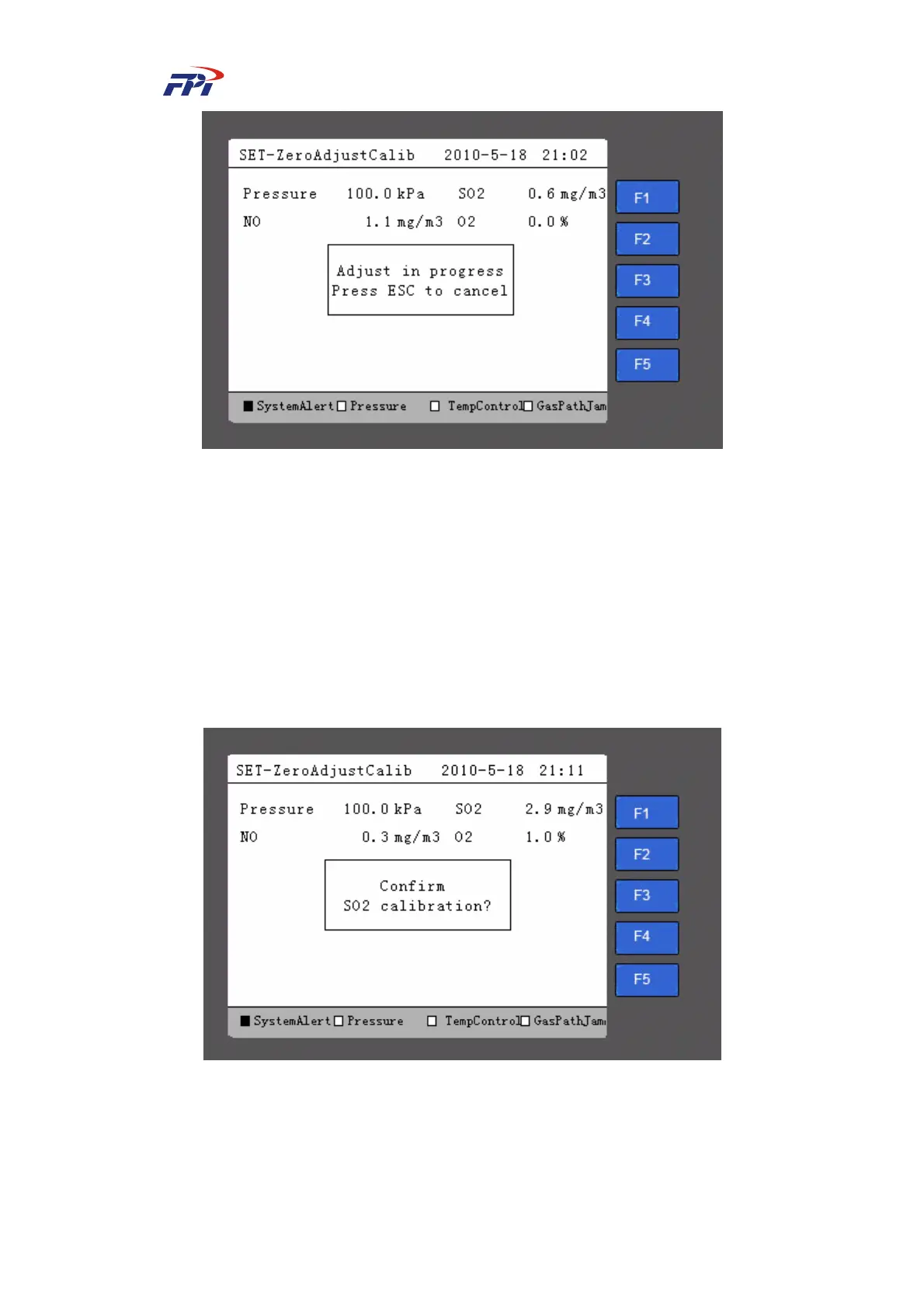
Fig 6-37 Zero Adjustment in Progress
Step 18 During the adjustment, you can press the “ESC” button to cancel the progress.
After the adjustment is finished, the system will return to the page as shown in Fig
6-36 but the prompt of “Start adjustment?” is be available.
z Manual calibration: Perform the manual calibration operations.
Please follow the steps below to perform manual calibration:
Step 19 Press the “F3” button on the zero adjustment / calibration page as shown in Fig
6-35 to enter the manual calibration, as shown in Fig 6-38.
Fig 6-38 Calibration
Step 20 Press the “Enter” button on the calibration page to start the calibration, as shown in
Fig 6-39.



 To Next Page