7 Operations of CEMS2000 Monitoring Software
74
FOCUSED PHOTONICS INC
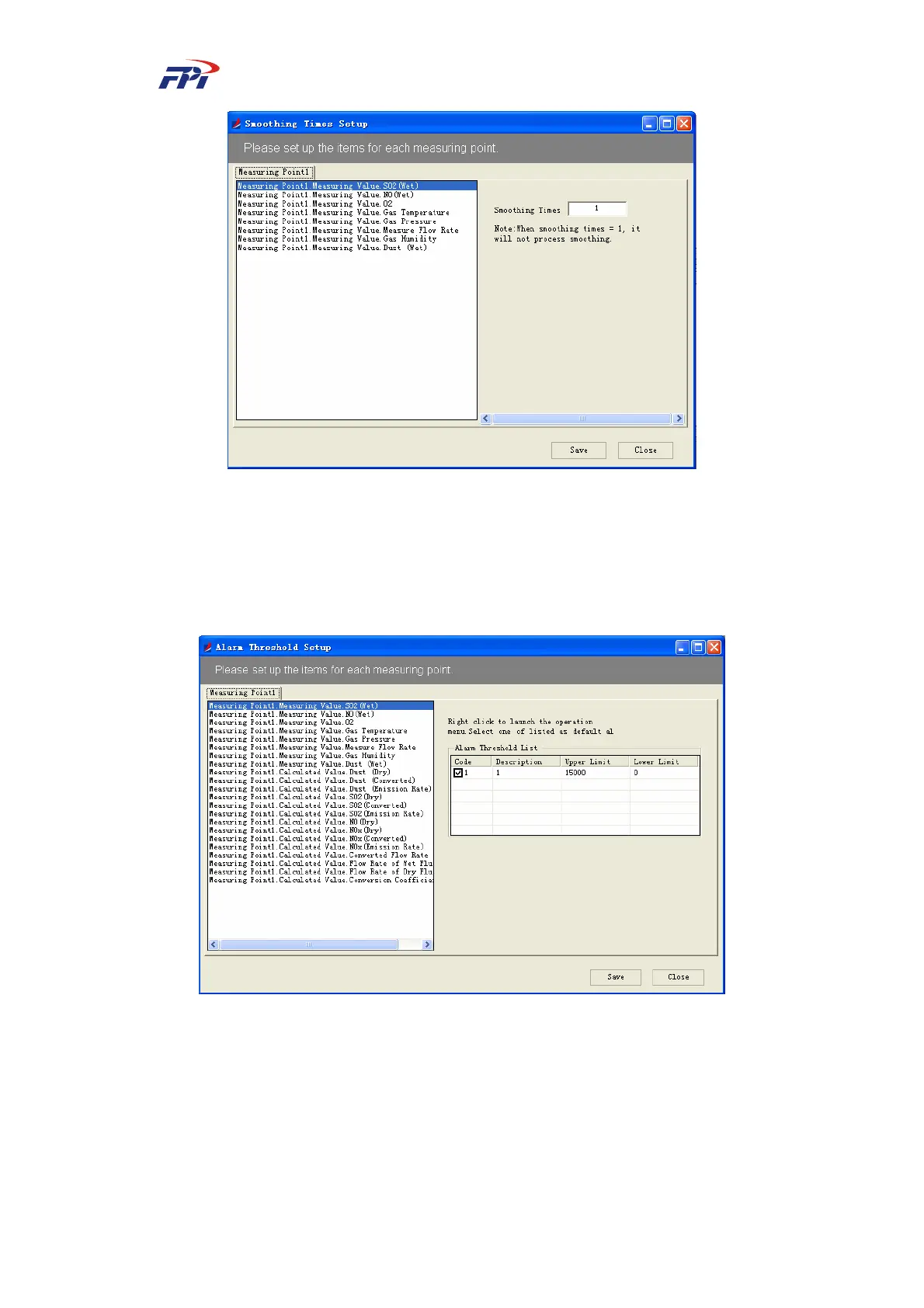
Fig 7-24 Configuration of Smoothness Times
7.2.2.4 Alert Threshold
This function is used for configuring the alert threshold of the variables of measuring points.
If the value of variables exceeds the threshold, the system will send out an alert.
Fig 7-25 Configuration of Alert Threshold
Please follow the steps below to configure the alert threshold:
Step 22 Select the variables to be configured from the list in Fig 7-25.
Step 23 Right click on the item listed in the right window, as shown in Fig 7-26. You can
add, delete or edit the alert threshold of the variable and click the “Save” button to
save the settings.



 To Next Page