7 Operations of CEMS2000 Monitoring Software
91
FOCUSED PHOTONICS INC
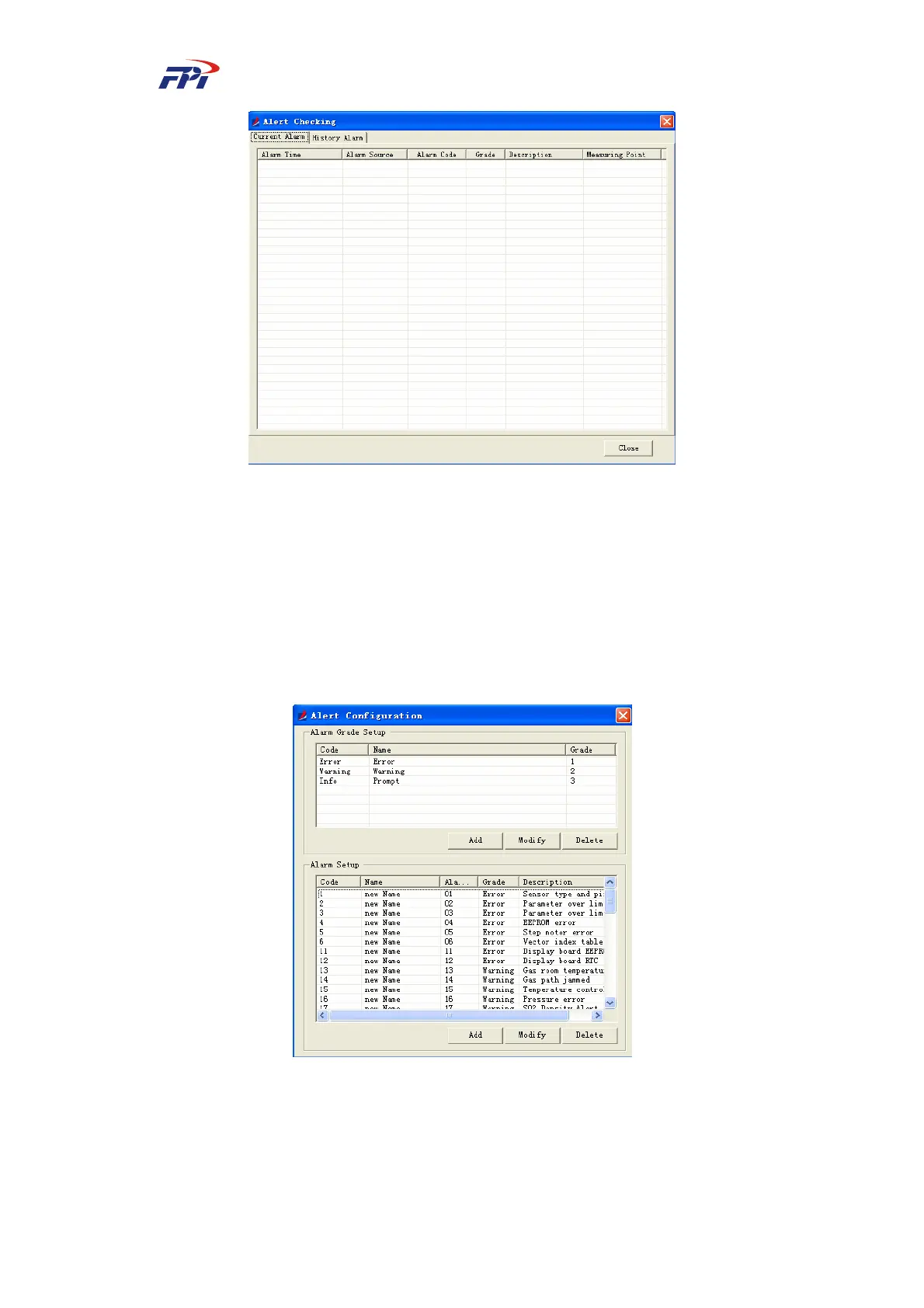
Fig 7-52 Checking Current Alerts
z History alerts: Record the history alerts. You can search the data of history alerts
according to the requirement.
To search the history alert:
¾ Select the measuring point to be checked from the list of “Measuring Point”;
¾ Specify the time range of “Start Time” and “End Time” for searching;
¾ Click the “Search” button to proceed.
Fig 7-53 Searching History Alerts
7.3.4.2 Alert Configuration
This function is used for configuring the alert information including the alert level and alert



 To Next Page