7 Operations of CEMS2000 Monitoring Software
63
FOCUSED PHOTONICS INC
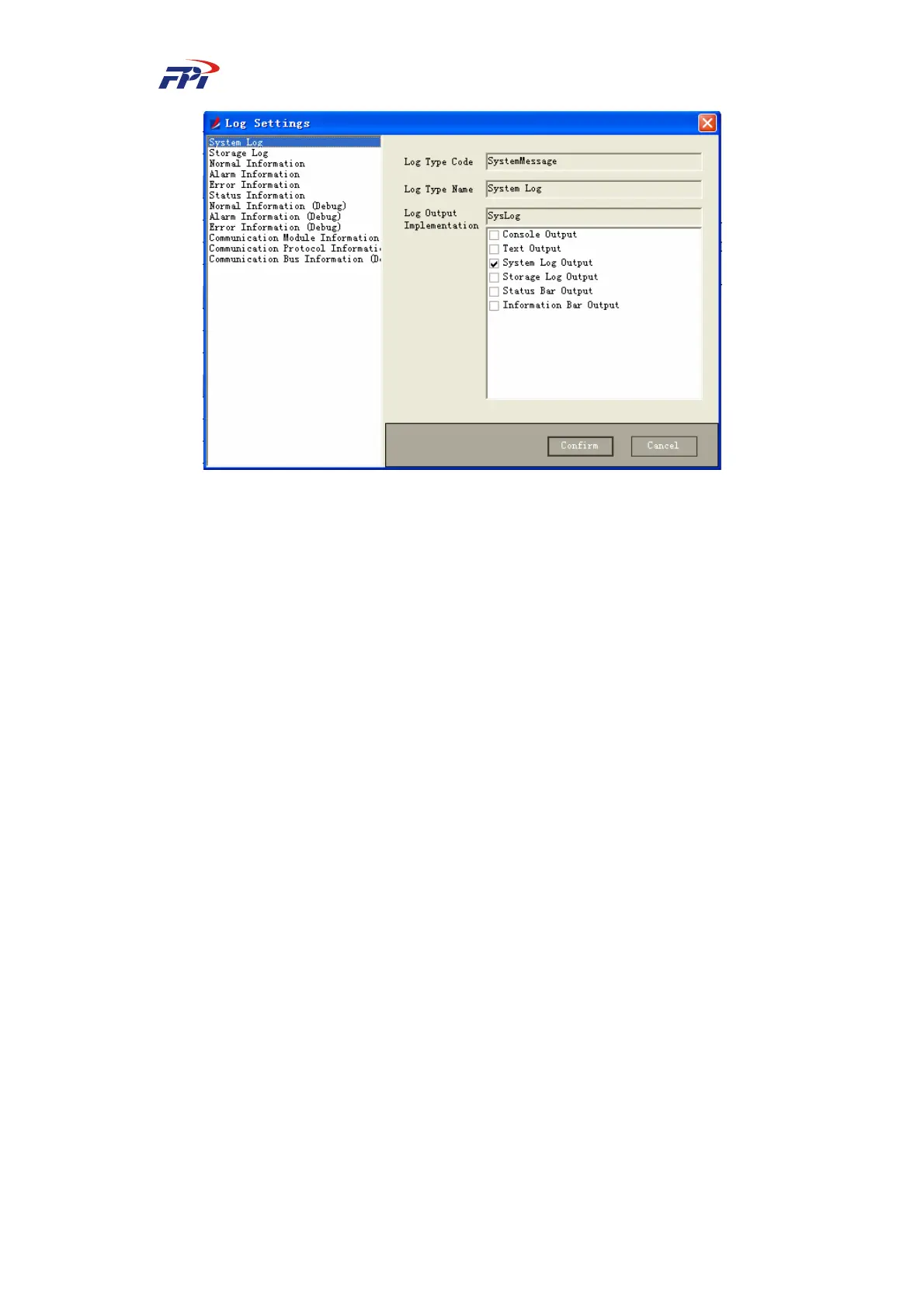
Fig 7-9 System Log Configuration
To configure the logs:
Select the log to be configured in the log configuration window. The log number and name
will be displayed in the window. You can select (multi-selection is allowed) the output of the log
with options of console output, text output, status output and information output and click the
“OK” button to finish the configuration.



 To Next Page