7 Operations of CEMS2000 Monitoring Software
62
FOCUSED PHOTONICS INC
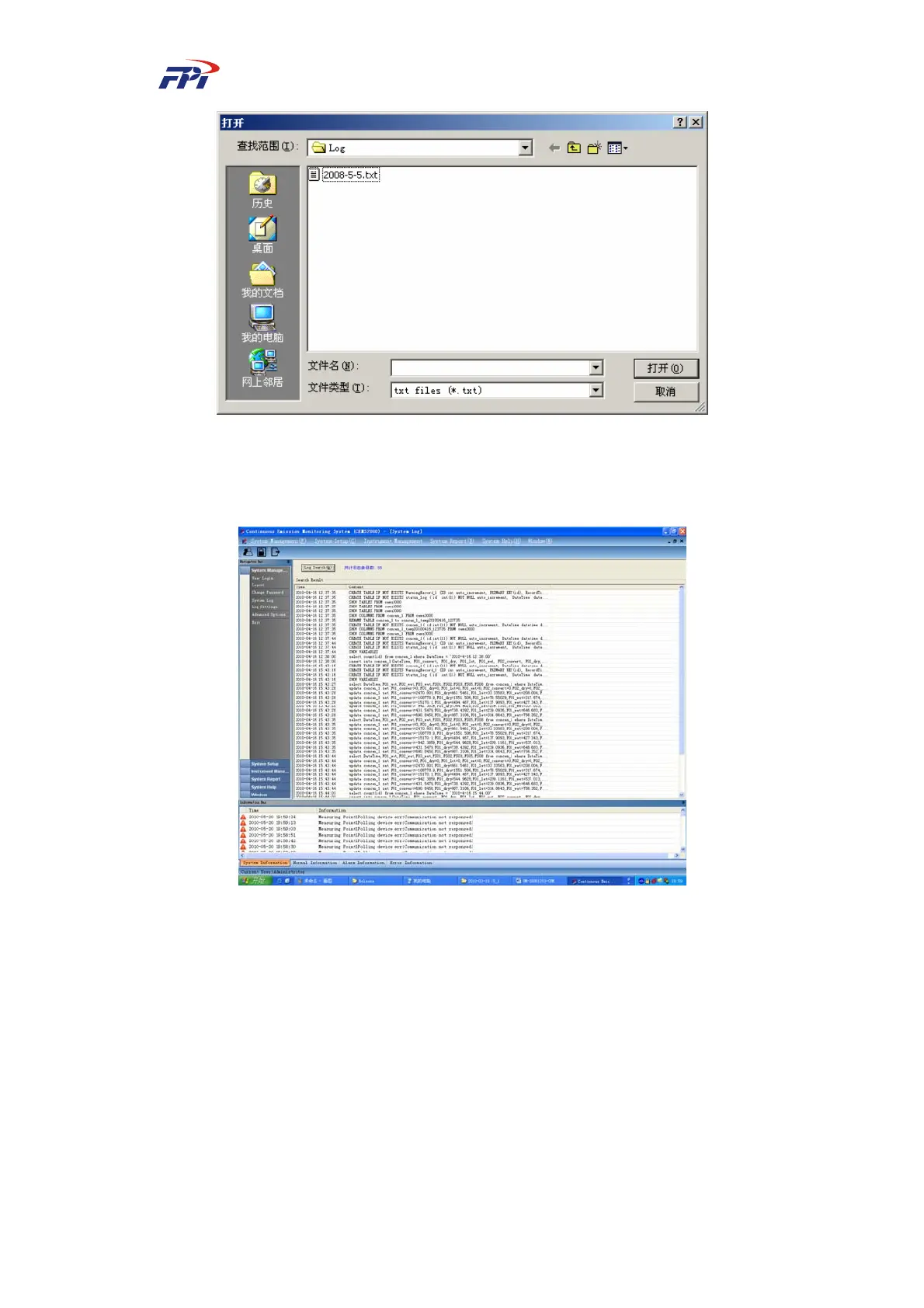
Fig 7-7 Opening Log File
Select a log file and click the “Open” button to open it. The log information will be displayed
in the system log dialog box as shown in Fig 7-8.
Fig 7-8 Displaying System Log
7.1.5 Log Configuration
Select “Log Configuration” from the menu to configure the logs, as shown in Fig 7-9.



 To Next Page