7 Operations of CEMS2000 Monitoring Software
59
FOCUSED PHOTONICS INC
7.1 System Management
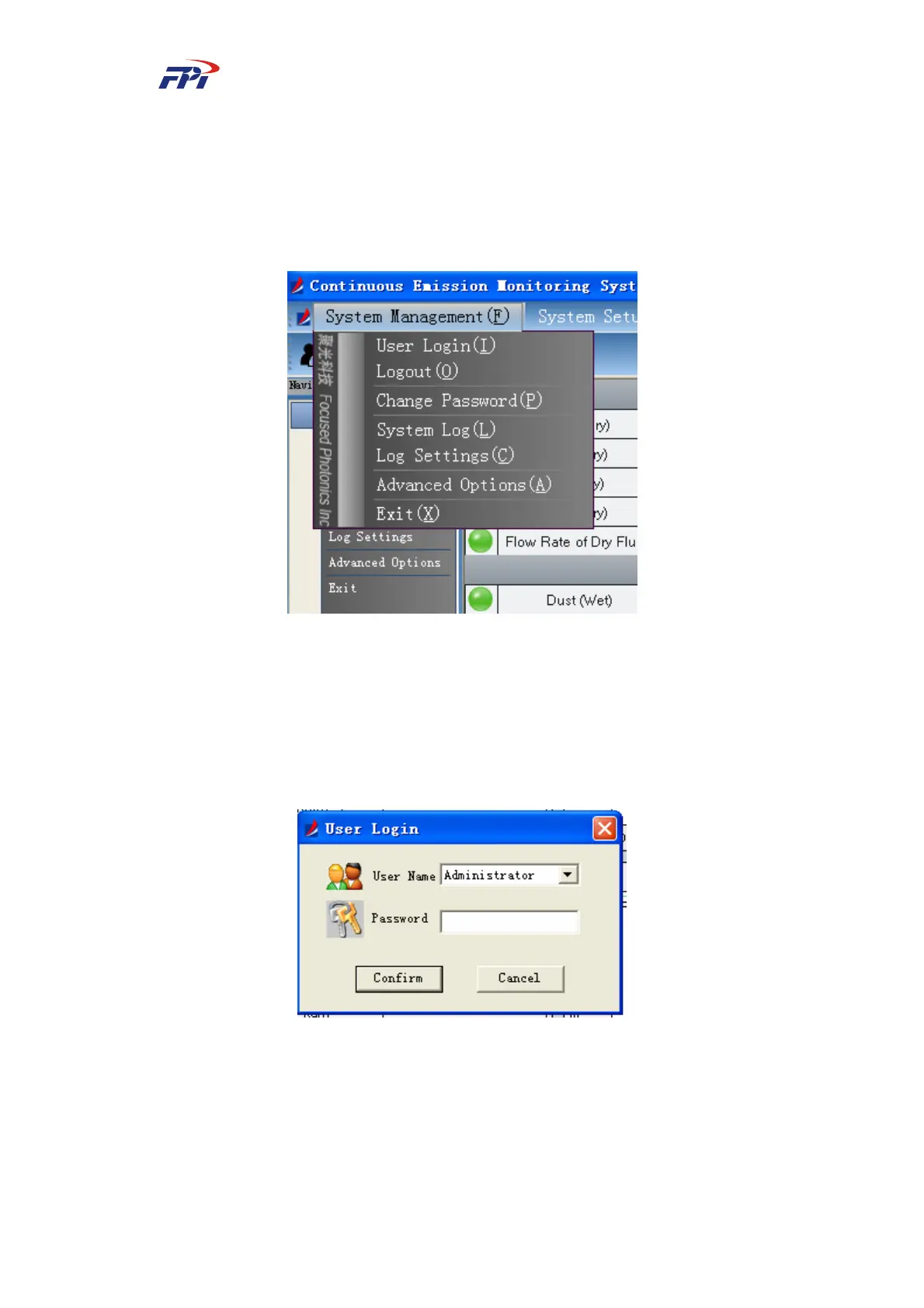
The system management menu provides the user permission and password management
functions, including 7 sub-menus which are logon, logout, changing password, system logs, log
configuration, options and exit, as shown in Fig 7-1.
Fig 7-1 System Management
7.1.1 Logon
This sub-menu provides the system logon function for the users. Each user is classified as
administrator or user. The user can input the password to logon to the system based on its
permission. The logon window is shown as Fig 7-2.
Fig 7-2 User Logon
Click the “OK” button to enter the main window for the relevant user or click “Cancel”
button to return to the main window.



 To Next Page