6 Operations of OMA-2000 Spectroscopic Gas Analyzer
37
FOCUSED PHOTONICS INC
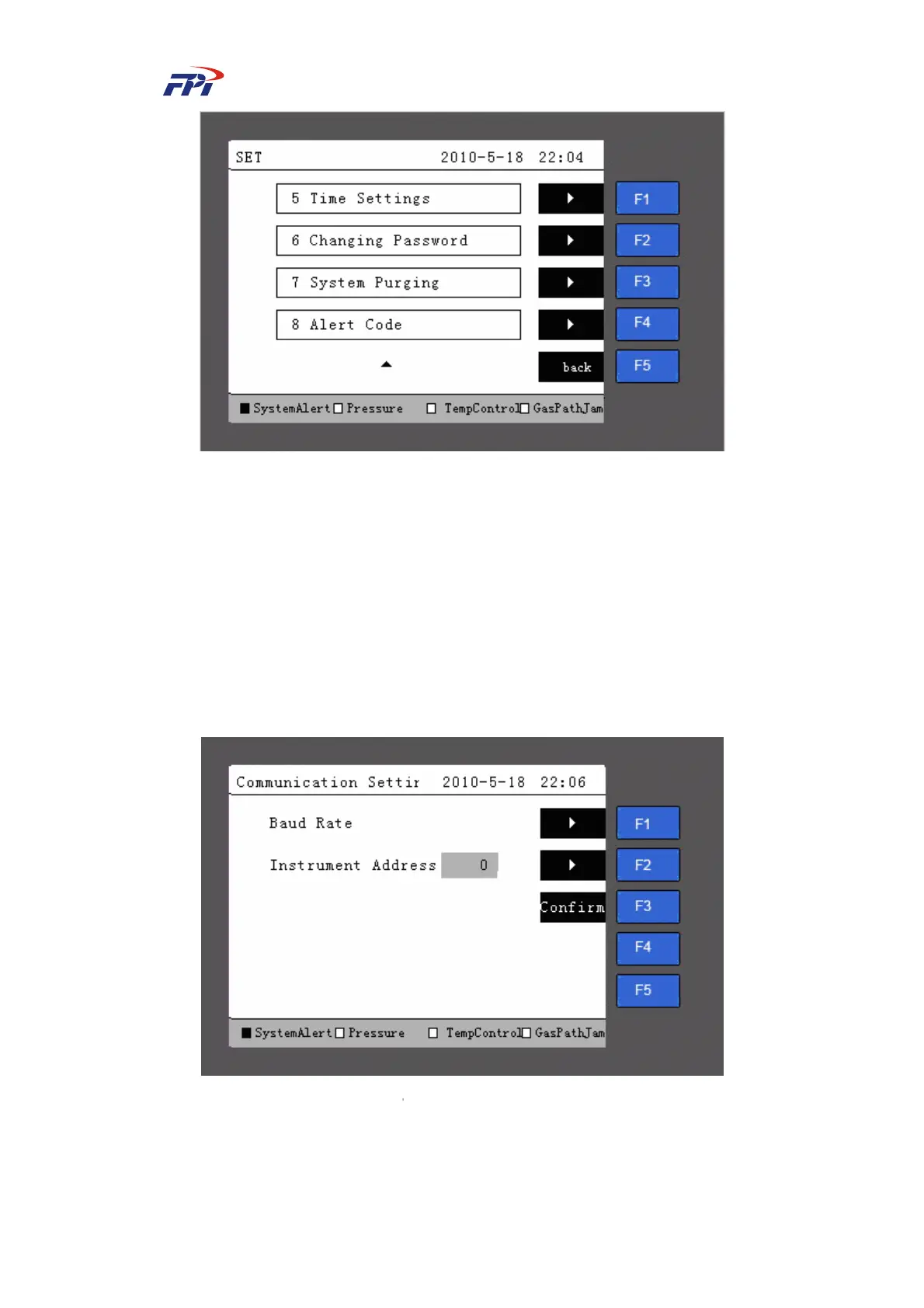
Fig 6-12 Instrument Setup Page 2
The setup of instrument includes functions of communication setup, instrument information,
alert setup, parameter setup, time setup, changing password, system purging and alert code. The
user can press the “F1~F5” button to operate and enter setup.
6.5.2 Communication Setup
Press the “F1” button on the instrument setup page in Fig 6-11 to enter the communication
setup page, as shown in Fig 6-13. You can set the baud rate and instrument address on the
communication setup page.
Fig 6-13
Communication Setup
The meanings of items are:
z Baud rate: the communication baud rate between the instrument and the PC;



 To Next Page