5 System Operations
22
Counter-clockwise rotate the knob to open the SO
2
gas bottle and slowly adjust the
“two-level pressure adjuster” to a proper pressure value. Normally the “low
pressure meter” should be maintained around “0.2” MPa;
Step 2 Click the SO
2
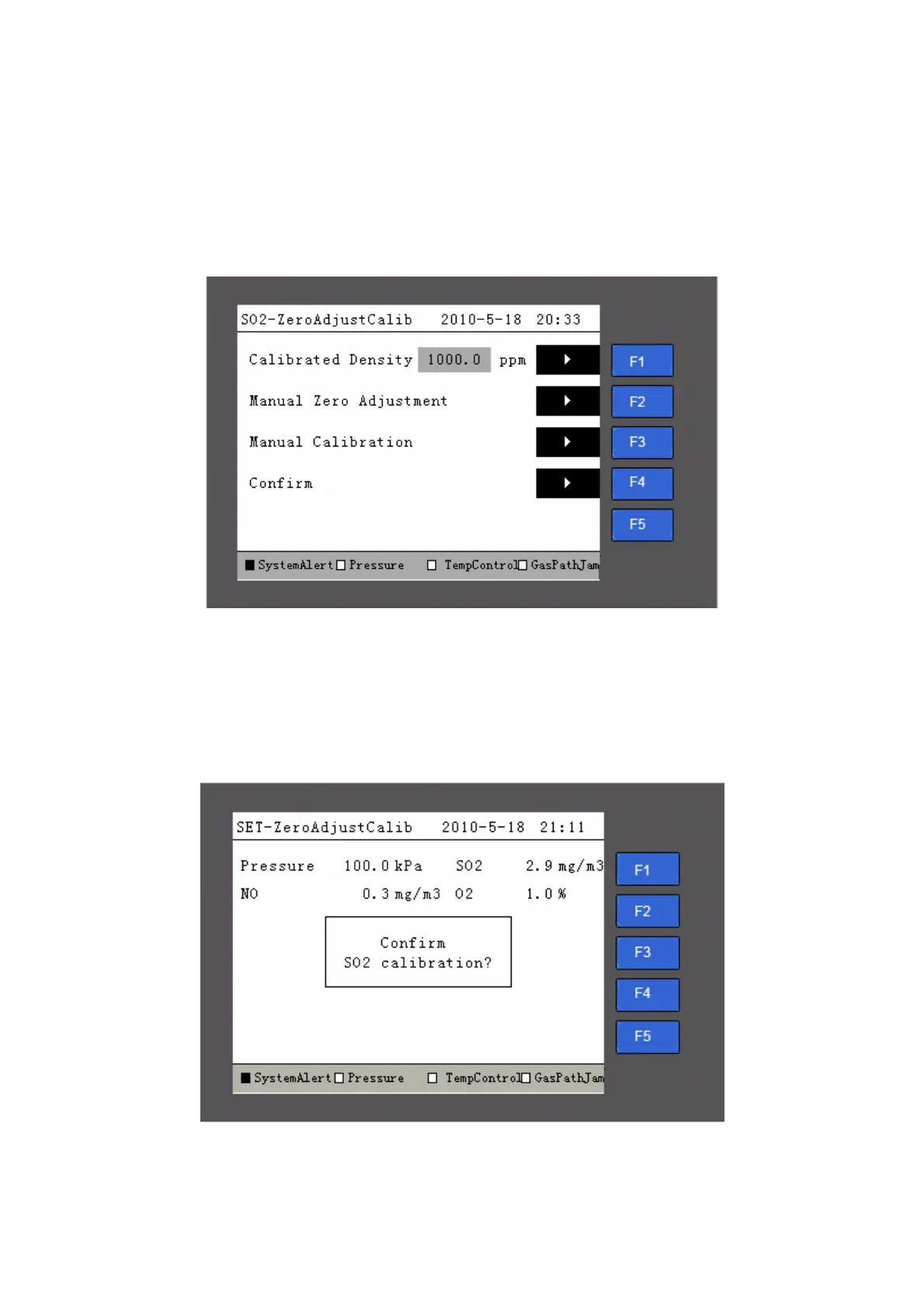
composition management page to enter the calibration page as
shown in Fig 5-13.
Fig 5-13 Zero Adjustment Page on OMA-2000 Analyzer
Step 3 Press the “F3” button to enter the manual calibration page as shown in Fig 5-14
and start the process of SO
2
calibration. The calibration electro-valve of SO
2
will
be open. Then adjust the flow rate meter for standard gas at bottom left of the
cabinet to be (1.5~2)L/min.
Fig 5-14 Manual Calibration
After the manual range calibration page is displayed, the system automatically opens the



 To Next Page